Chapter 4: Configuration of ipEther232
4.1 Configuration of ipEther232
As mentioned above, the configuration program recognizes all devices in its own
network segment.
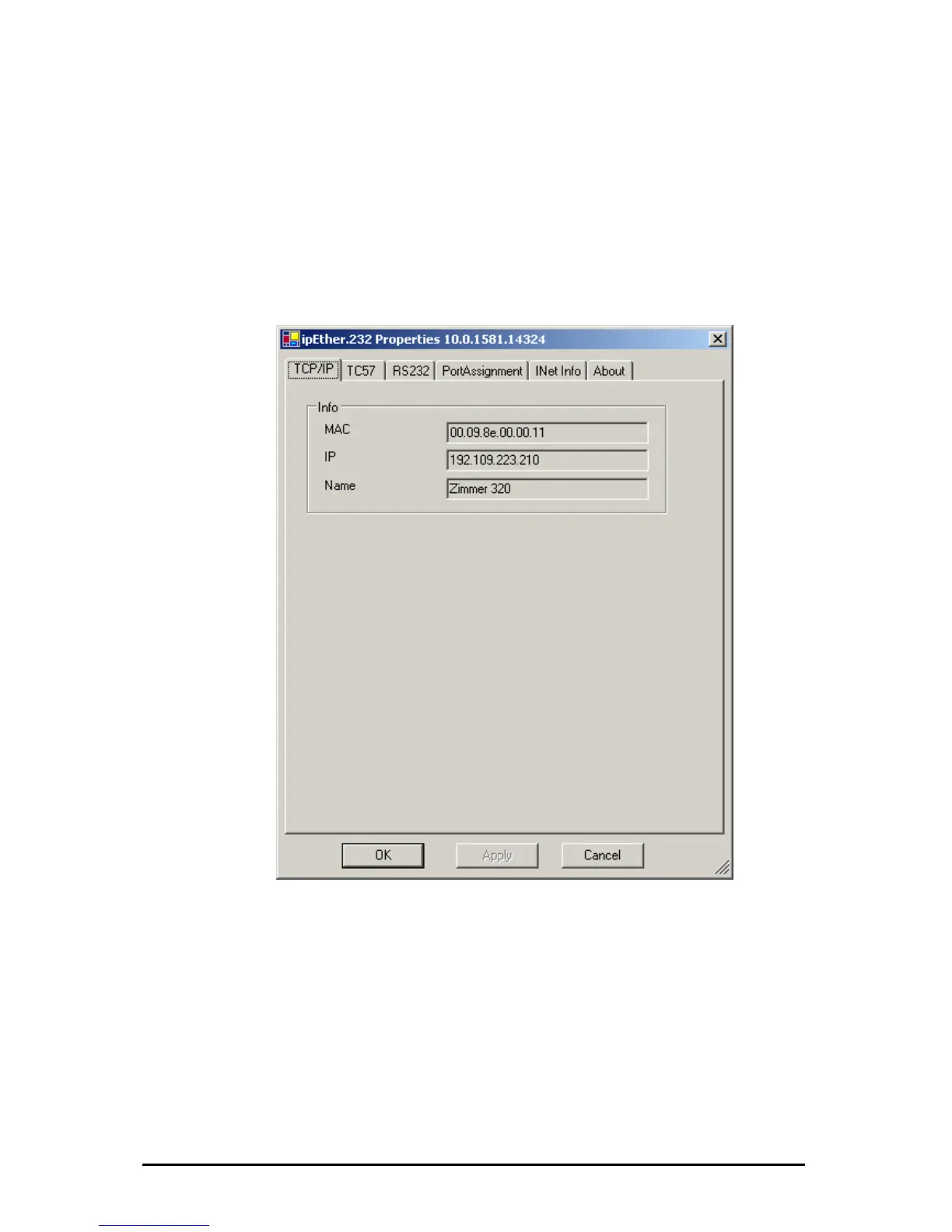
A double click on an entry opens the details dialog which contains on six parts.
TCP/IP:
This is where you can find the MAC-Address, IP-Address and the setted device
name (Set Name).
Mode:
Here you can chose between 2 supported modi.
Änderungen vorbehalten Stand 09.09.05
ipcas GmbH ipEther232 V11.01 Seite 31 von 150



 To Next Page