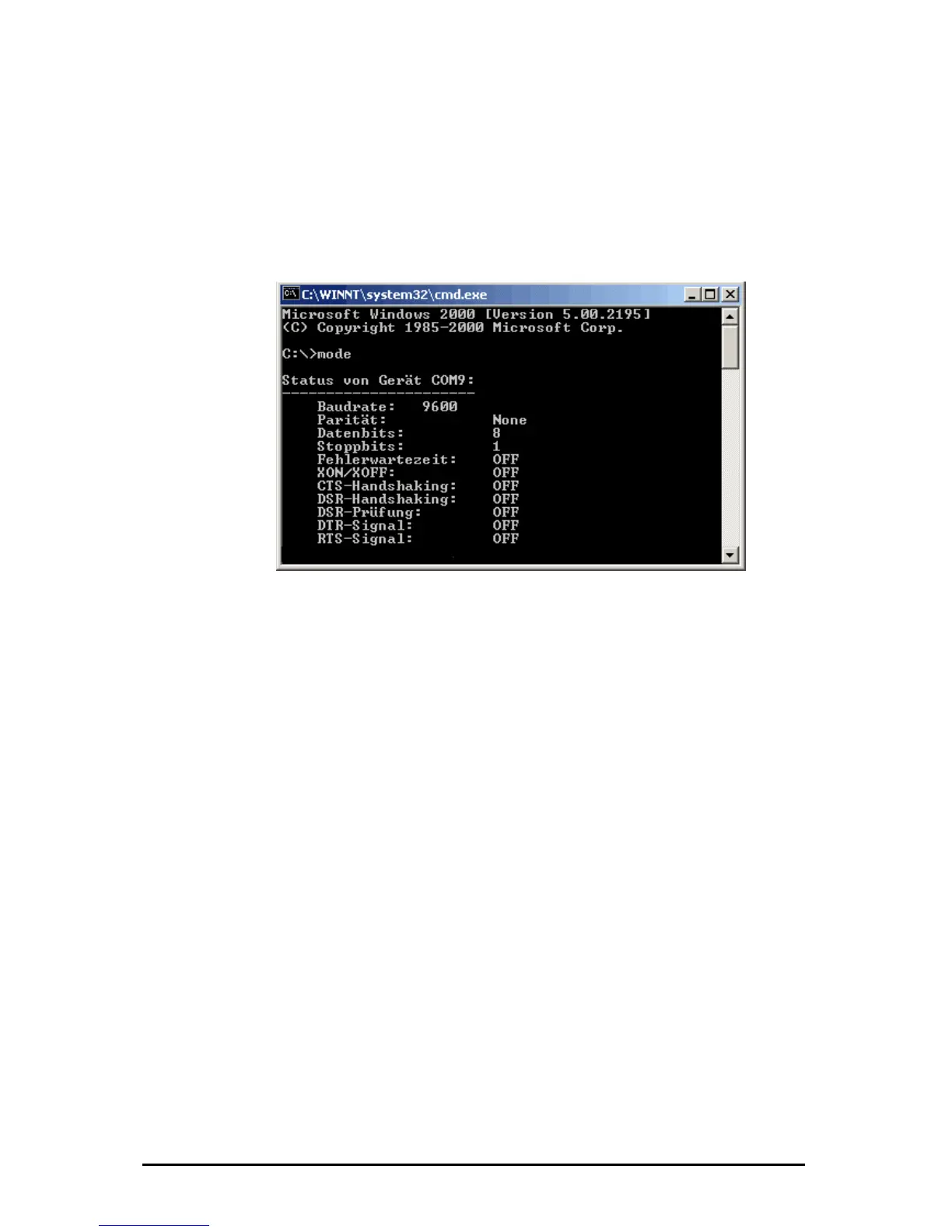
If you want to check your adjusted COM-Port is really free and available you can
write the command “mode” in the command shell. After you have pressed the
“Return” key you will see the following Output:
4.2 Checking the adjusted Com-Ports
It will display all available and not resevered COM-Ports.
The Device Manager will not detect the seriell Interface from the ipEther232
because it’s a virtual Interface and not a physical COM-Interface from the PC.
You can check the virtual interface via "Hyperterm“, too. This program is part of
Windows and you find it under Program / Accessories / Communication.
Änderungen vorbehalten Stand 09.09.05
ipcas GmbH ipEther232 V11.01 Seite 39 von 150



 To Next Page