7.2 Configuration samples
nection
without modems on Windows 2000.
In order to create a dial-up connection Windows needs a modem. We would like
to implement a PPP direct connection without modems, therefore we have to
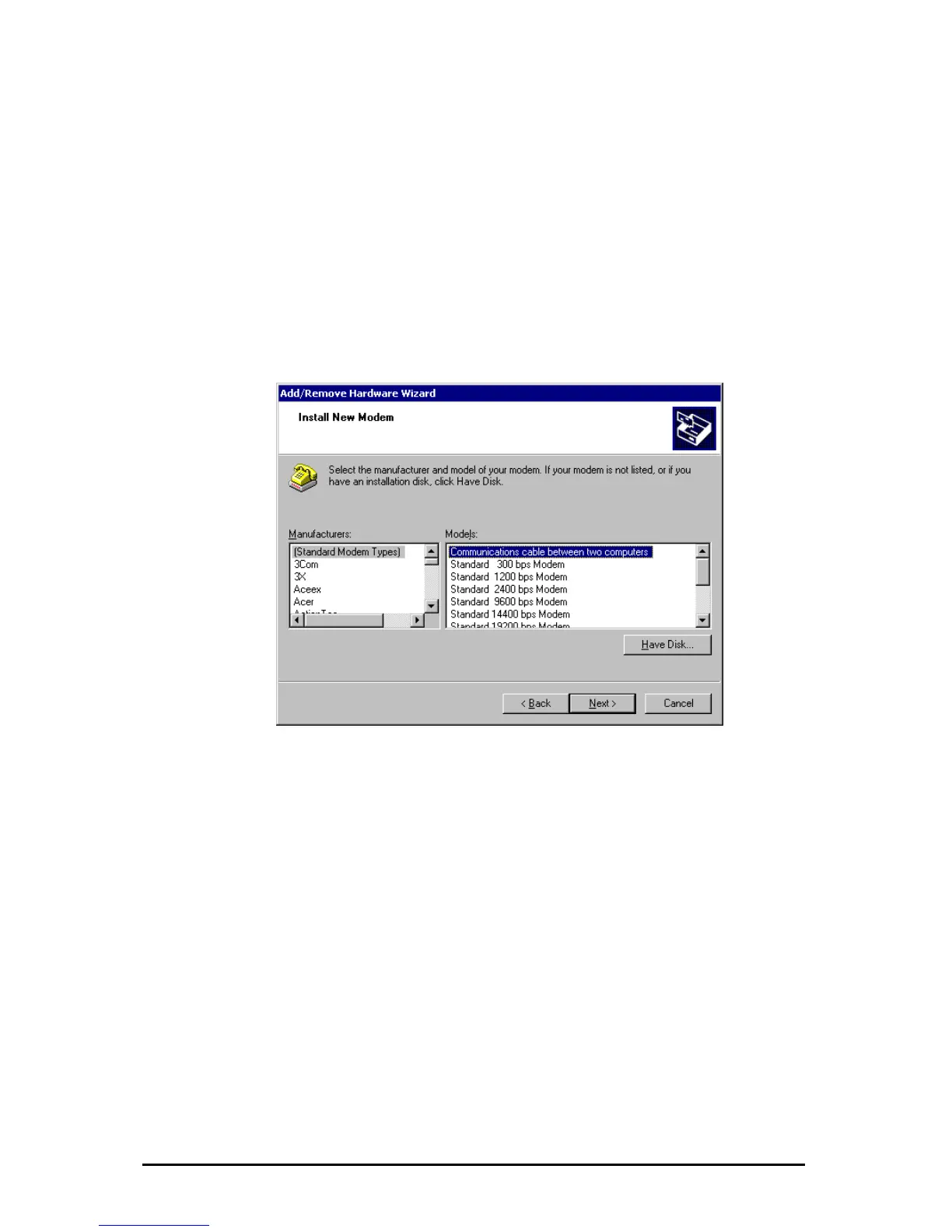
create a modem („Communications cable between two computers“) before.
Start in the Control Panel the “Phone and Modem Options”. Click on “Modems”
and then on the “Add” Button. Mark the option “Don’t detect my modem …” in the
new opened dialogue and click on “Next”. After that configure as follows.
The following configuration is needed to establish a PPP direct con
Änderungen vorbehalten Stand 09.09.05
ipcas GmbH ipEther232 V11.01 Seite 86 von 150



 To Next Page