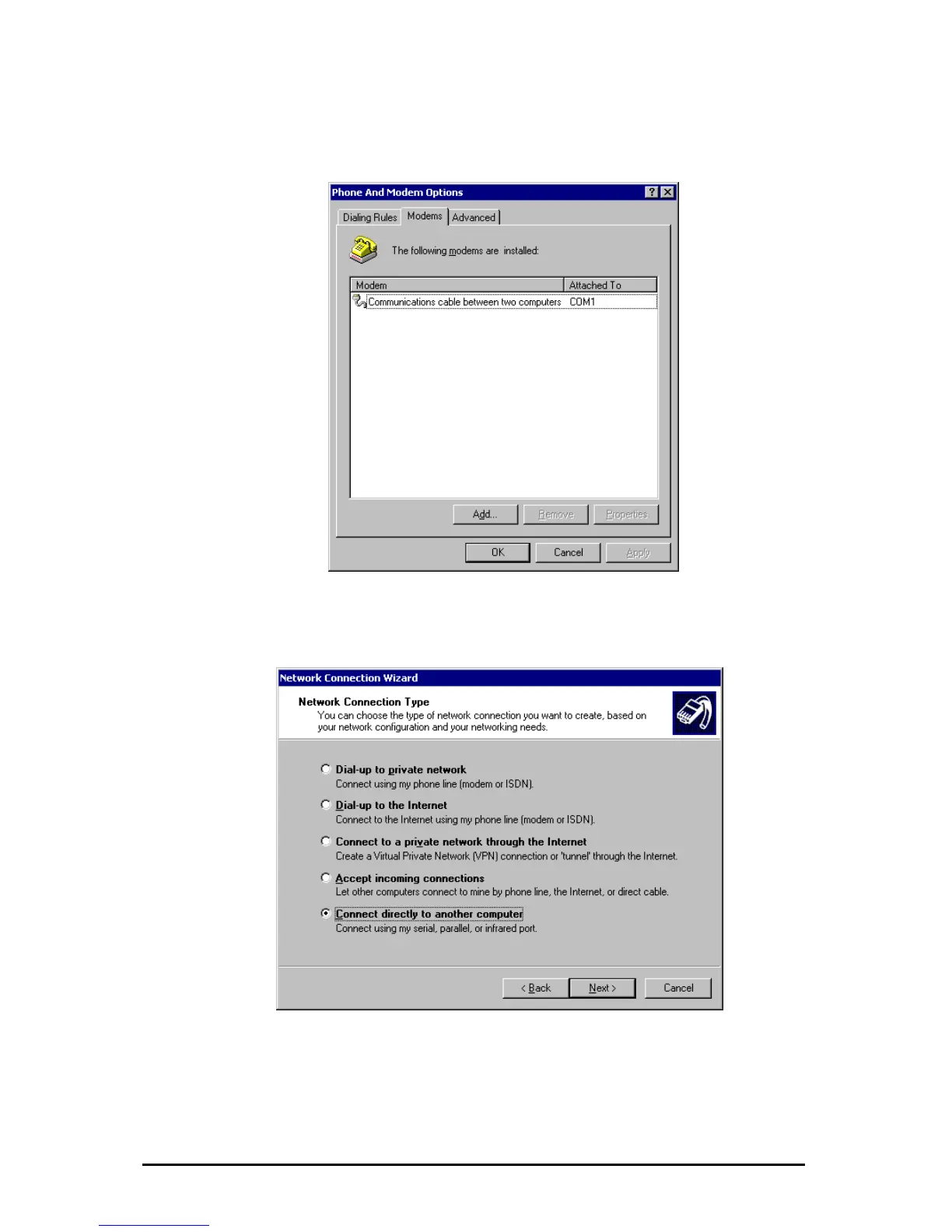
In the following dialogue
modem (finally the ipEther232.PPP) shoul
you have to decide on which physical connection the
d be installed. After a successful
odem Options”.
Double click on “Make new connection“ in the “Network and Dial-up Connections”
and click on the “Next” Button to the following dialogue.
creation the modem should be registered in the “Phone and M
After choosing the option „Connect directly to another computer“ click on „Next“.
Änderungen vorbehalten Stand 09.09.05
ipcas GmbH ipEther232 V11.01 Seite 87 von 150



 To Next Page