Changing Orientation
17
You have several ways to change the orientation of your image:
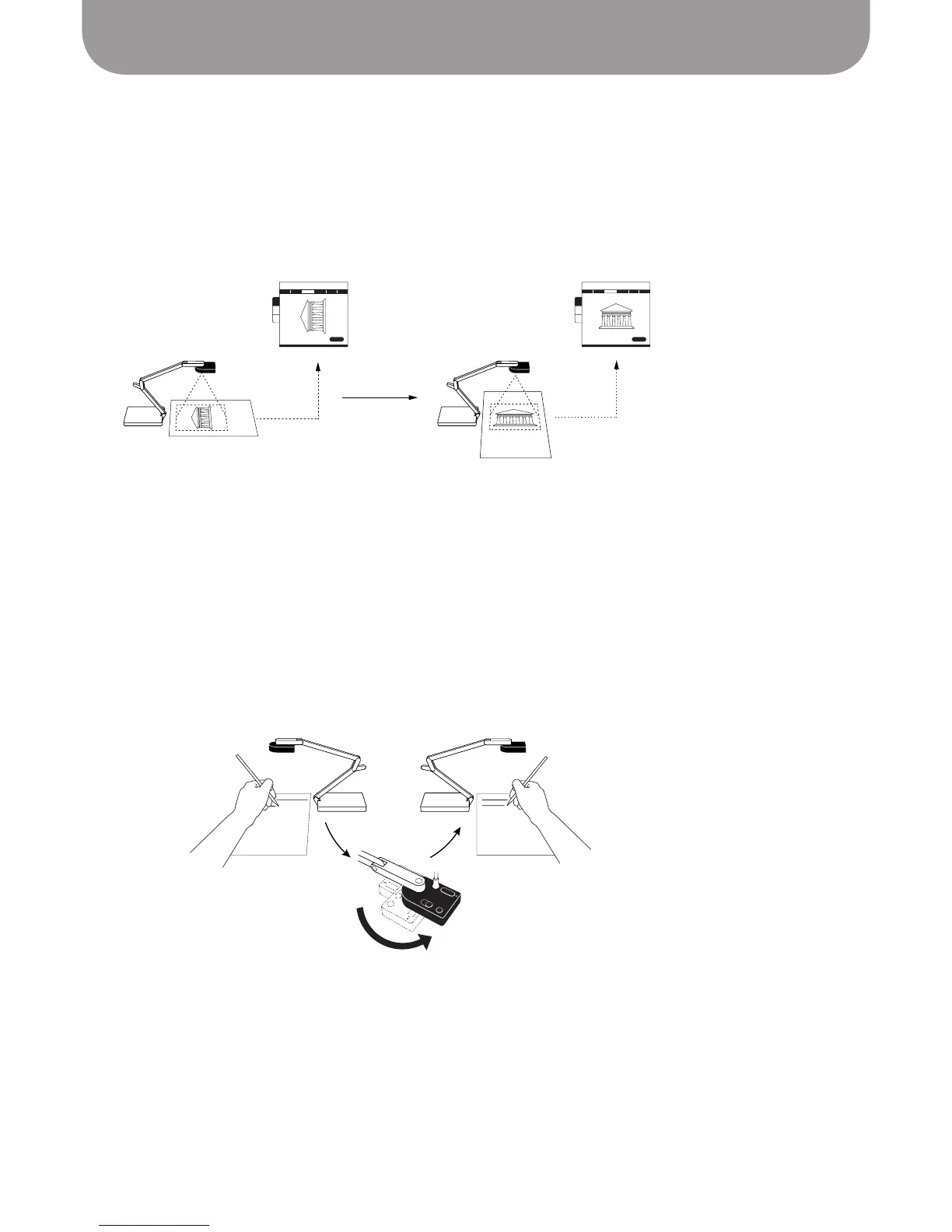
Change the orientation of document/subject
You may find it easiest to simply change the orientation of the subject you are capturing: 90° in either
direction or turning 180° “upside down.”
Using the Swivel Head
Ziggi-HD Plus's camera head is expressly designed to give you an easy way to alter orientation. From its
fully-extended position, Ziggi-HD Plus can be swiveled 180° clockwise and 90° counterclockwise. Find the
position that works best for yourself and your subject. For example, if you are giving a presentation and
need access to the subject for a hands-on demonstration or to frequently change its position, you might
consider moving the stand to one side of the subject—and changing orientation through the swivel head
accordingly—so that the stand does not get in your way.
Position the camera and swivel the head to ensure
Ziggi-HD Plus is not in your way
Sometimes it's simplest just to
reposition your document



 To Next Page