Photo Albums
26
Photo Albums
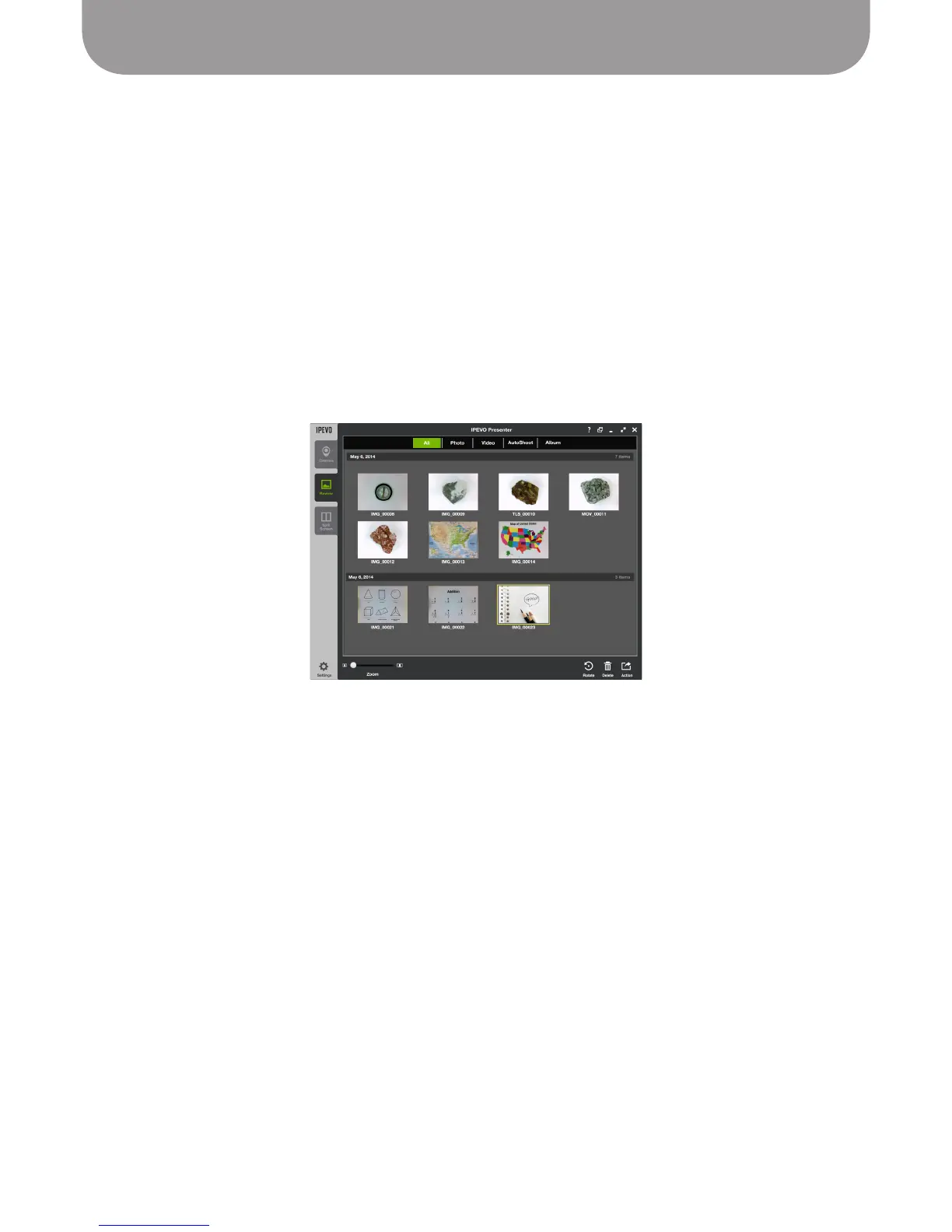
In Review mode, press Album on the top menu bar to access your photo albums. Albums are listed by
date.
To rename an album, double-click on the current name to bring up an editable text field. Or, right-click
on the album and select Rename.
Albums can be exported as PDF files using the Share function in the bottom-right corner.
To add photos to an album, select your photo(s) and then right-click. Choose "Add to Album." You may
either add your selected photos to an existing album, or add them to a new album. The default name for
a new album is "unnamed." Change the album's name as described above.



 To Next Page