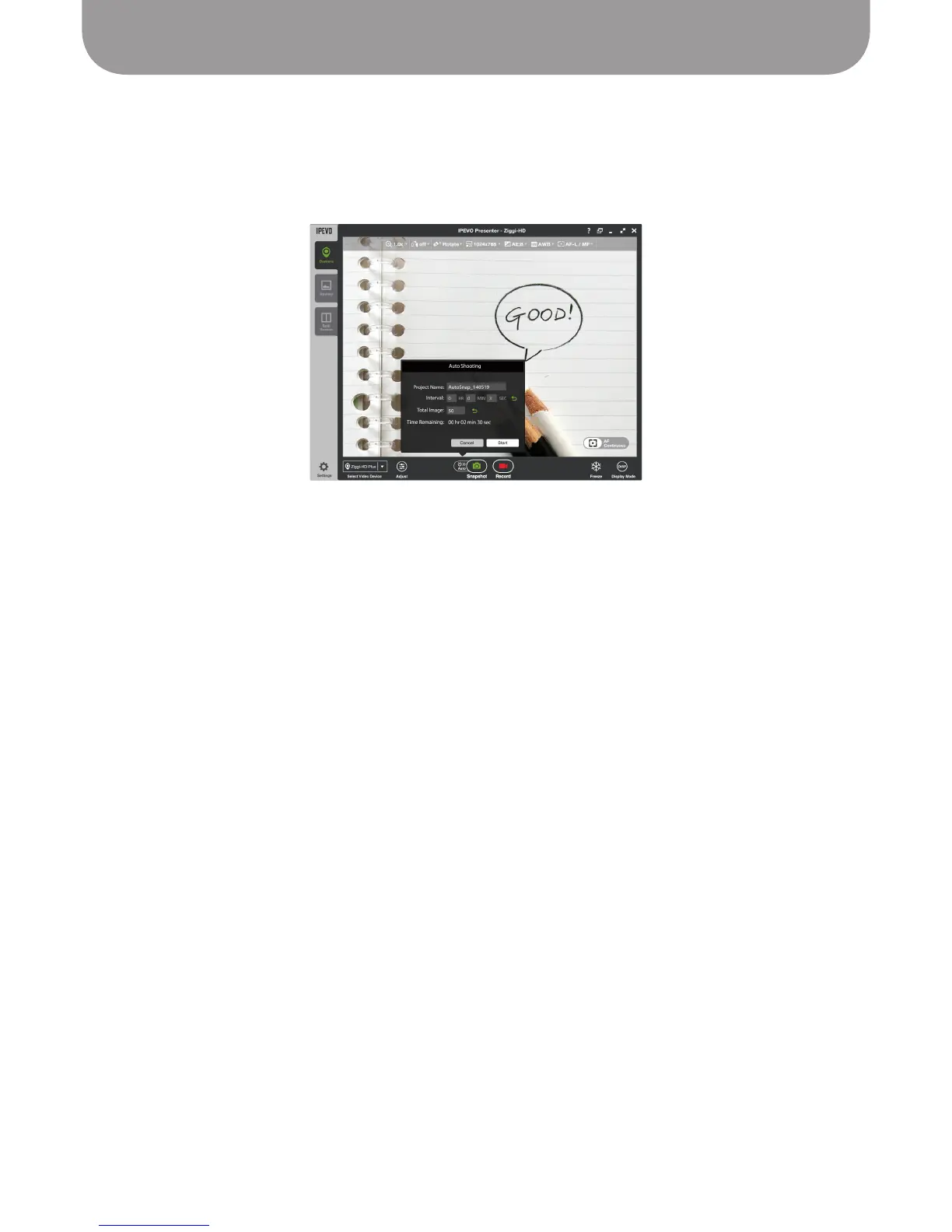
Automated Shooting
25
Clicking Auto in Camera mode will bring up a window allowing you to set up the automated shooting
schedule. Once set, Presenter will take snapshots automatically at intervals of your choosing.
• Project Name – Name your automated snapshot series. It can be accessed in Review mode.
• Interval – Type in numbers or tap the arrow keys to set your desired interval between snapshots in
hours (HH), minutes (MM) and seconds (SS).
• Total Images –
Type in numbers or tap the arrow keys to set the total number of images (snapshots)
you'd like to take in your automated snapshot series.
• Time Remaining – Indicates the total time left for the current automated snapshot series to complete.
Press Start to begin the automated snapshot series according to the parameters you've set.
Automated Shooting
IPEVO Presenter features an automatic shooting scheduler for capturing multiple snapshots. This tool is
ideal for archiving different materials quickly, for time-lapse photography, and for stop-motion videos.



 To Next Page