Image adjustments
33
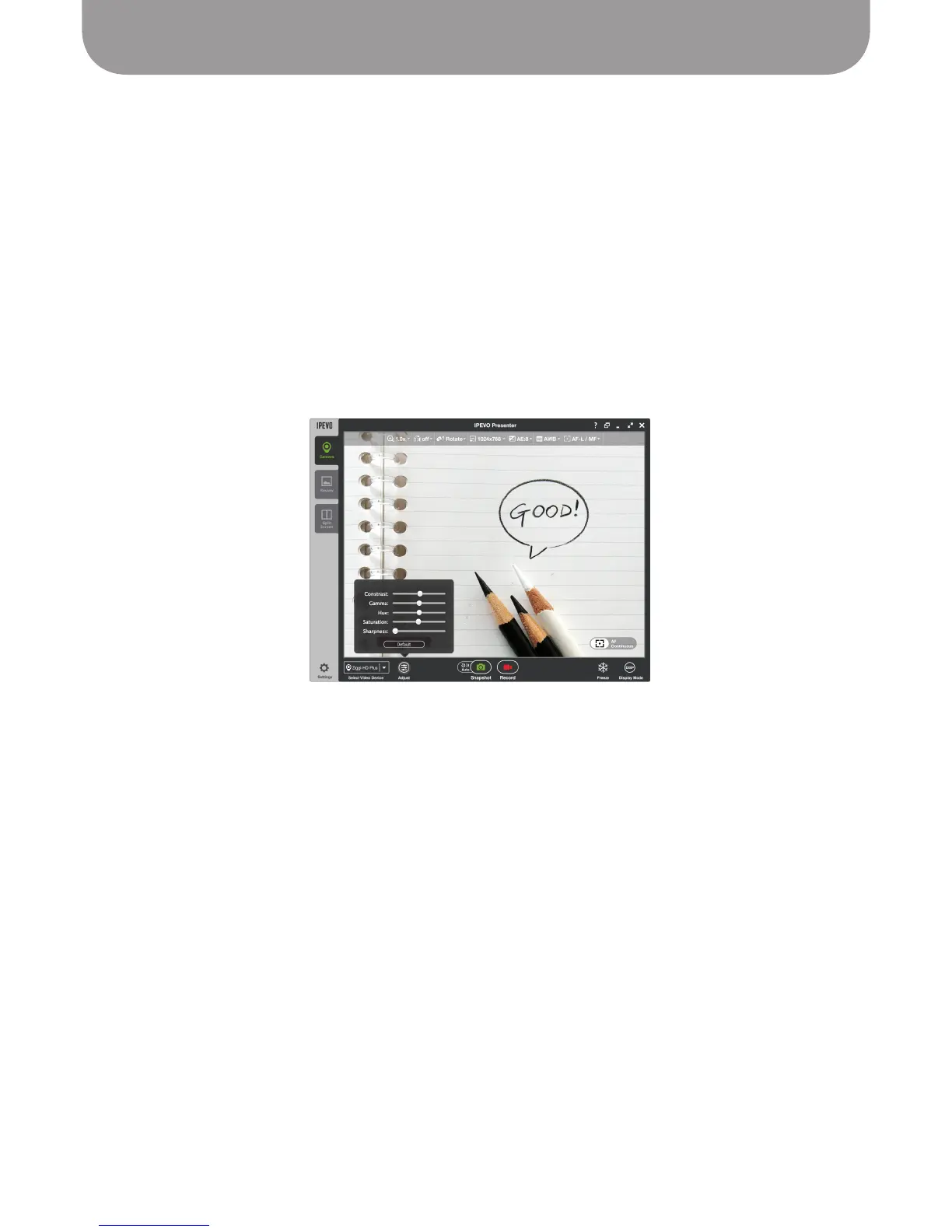
Image Adjustment Tab
The image adjustment tab provides a number of customizations relating to video image quality.
• Contrast (0 to 31) – controls difference in color and brightness between different parts of the image
• Gamma (0 to 127) – Gamma correction, affects gray levels and how the image is reproduced on the
screen
• Saturation (0 to 31) – controls the color saturation. Setting this value to 0 will result in a black and
white image, while a value of 31 will result in very saturated, rich colors
• Hue (-180 to 180) – affects reproduction of color information
• Sharpness (0 to 15) – controls perceived sharpness/blurriness
The Default button changes the above customizations to their default values.
Note: Image qualities of snapshots cannot be altered (at least not in the Presenter software). You must
change these settings prior to taking snapshots.



 To Next Page