Advanced Settings (cont'd)
32
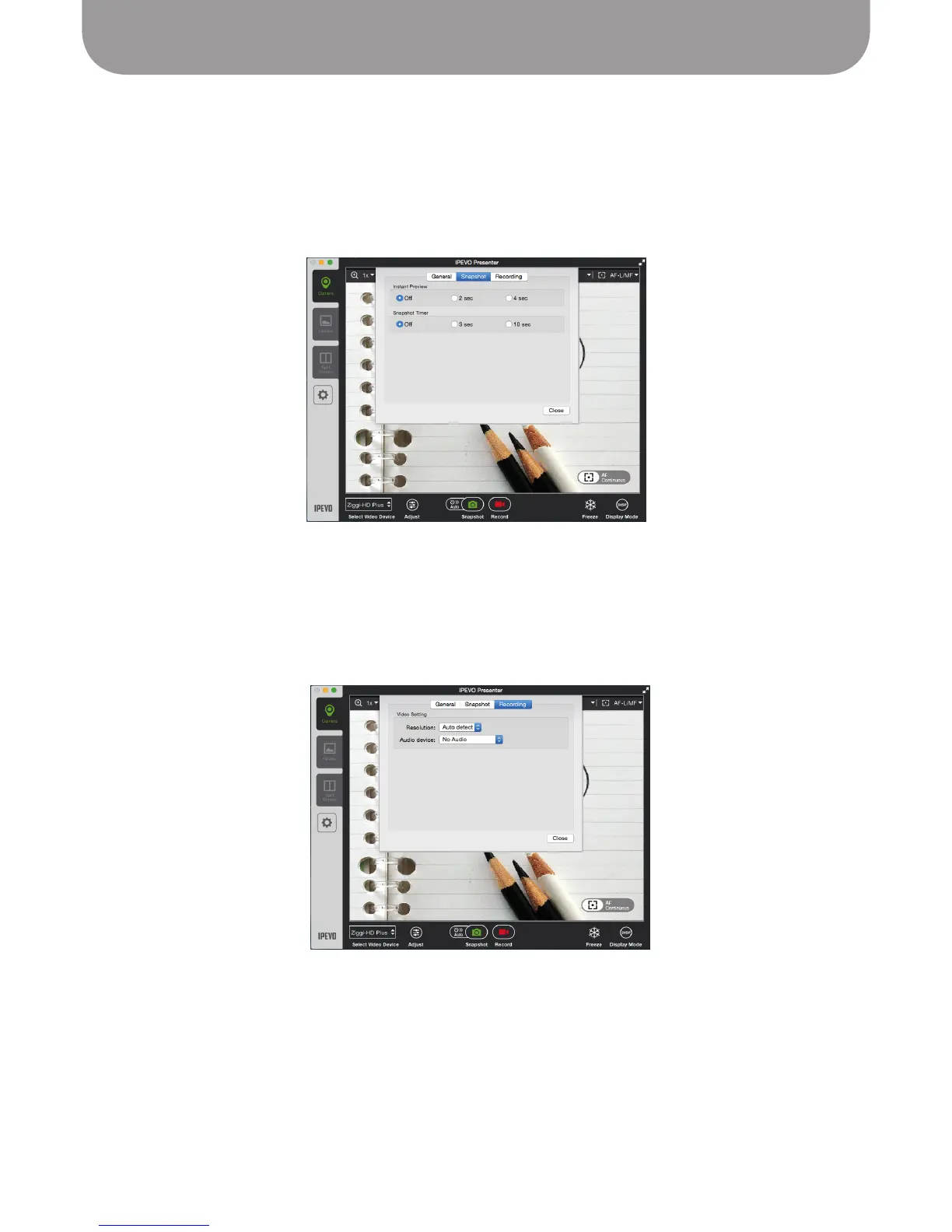
Recording Tab
• Resolution – Choose Auto Detect to have Presenter determine the best resolution to record your video.
Or, you may choose your own custom resolution.
• Audio Device – Select your preferred audio device from the pulldown menu for use in conjunction with
your doc cam.
Snapshot Tab
• Instant Preview – Preview the snapshot you've just taken before returning to the live view. Default is
Off (no preview). Choose between a two-second preview and four-second preview.
• Snapshot Timer – Once you press the snapshot button, tell the camera to wait either 3 seconds or
10 seconds before taking the snapshot. Default is Off (no delay between button press and captured
snapshot).
Press Close to apply any changes to Settings you have made.



 To Next Page