Focus
20
Focus refers to the convergence of light in your image. If your subject is “in focus,” light is properly converged
at the right point. If your subject is “out of focus,” light has not properly converged at the right point. In most
circumstances, you want your image to be sharp and in focus.
Continuous and Single Focus Modes
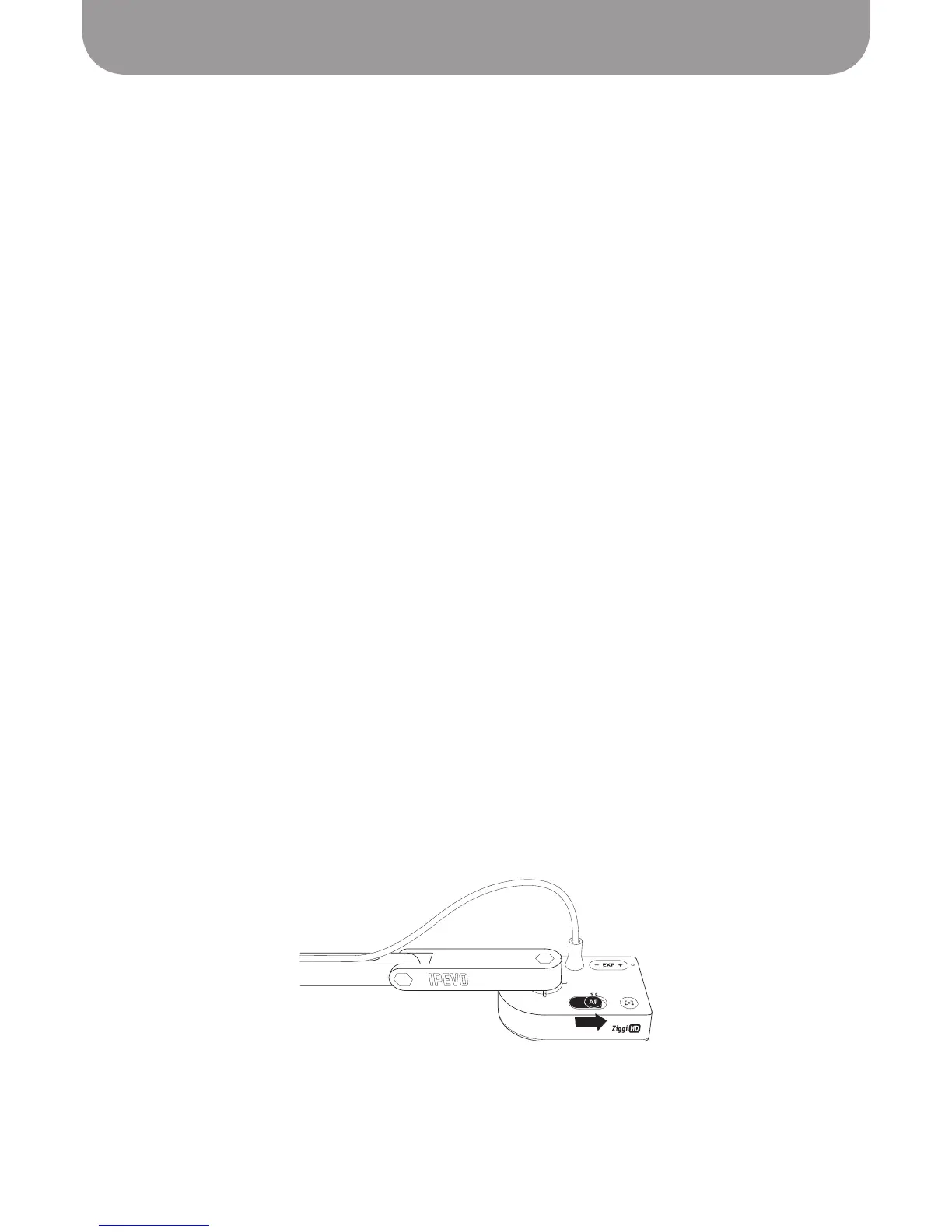
Ziggi-HD Plus gives you a few tools to achieve proper focus, including the ability to automate focus for
convenience. It can be set to one of two focus modes using the Autofocus (AF) switch on the camera body.
The software will indicate which focus mode you are in with either “Single” or “Continuous” under “AF”
in the lower right-hand corner of the screen.
-
Continuous (C) mode:
In Continuous mode, Ziggi-HD Plus will constantly determine the best focus for
your image and change its focal length accordingly. This is ideal for “set it and forget it” convenience, and
also if the distance between the camera and the subject will be changing. For example, if you are showing
the parts of a phone and are flipping the phone around in a hands-on demonstration, setting the Ziggi-HD
Plus in Continuous mode will ensure your image is always in sharp focus.
-
Single (S) mode:
In Single mode, Ziggi-HD Plus will stay at a single focal length, and will not try
to constantly adjust itself. This mode is ideal for manual control of focus. If you are capturing a text
document laid on the table which is not moving, single mode will be sufficient for sharp focus. This
mode is also best for the highest resolutions when frame rate drops significantly.
See Page 22.
Focus button
While the focus button is best for Single mode manual focus control, it will also work in Continuous
mode. There are two focus buttons: the physical button on the camera body, and the four-cornered
“crosshair” icon in the lower right-hand corner of the software. In either case, Ziggi-HD Plus will find the
optimum focus.
Manual focus
Drag the Focus Slider to the desired focus under the “AF-L/MF” tab in the Presenter software. The
selected focus will lock in place. To return to the Autofocus mode, uncheck the “AF-Lock” box or follow
the Refocusing steps above.



 To Next Page