White Balance
23
White Balance
"White balance" or "color balance" refers to adjusting an image in order to accurately render color. Ziggi-
HD Plus automatically seeks the correct white balance so that colors (including white) are presented as
close to reality as possible.
Manually Adjusting White Balance
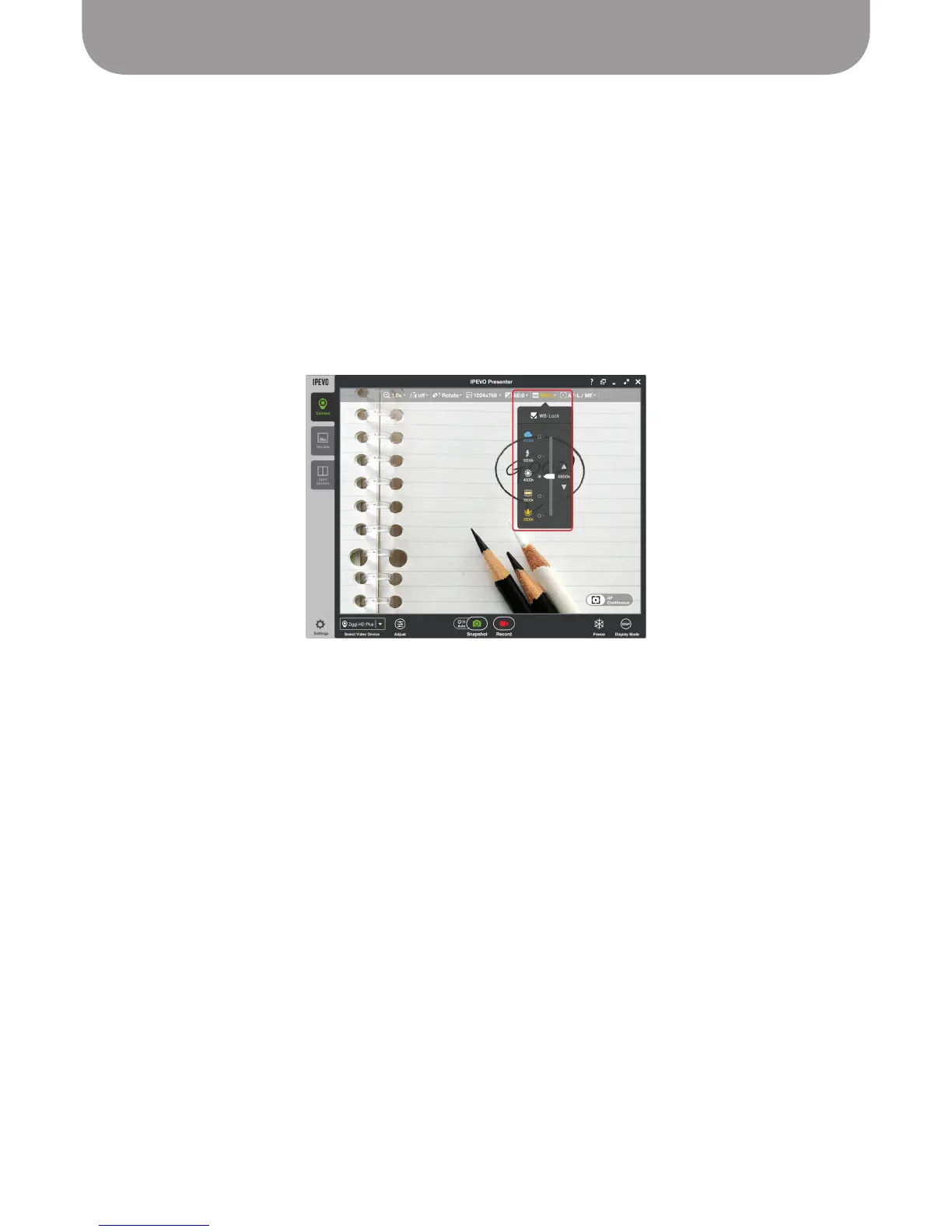
To manually adjust white balance, select the AWB (Automatic White Balance) pulldown menu in Camera
mode in the Presenter window. The slider may be dragged to higher (or lower) color temperatures to
correct the current low (or high) white balance environment to produce more neutral colors.



 To Next Page