Using Ziggi-HD Plus in Other Ways
34
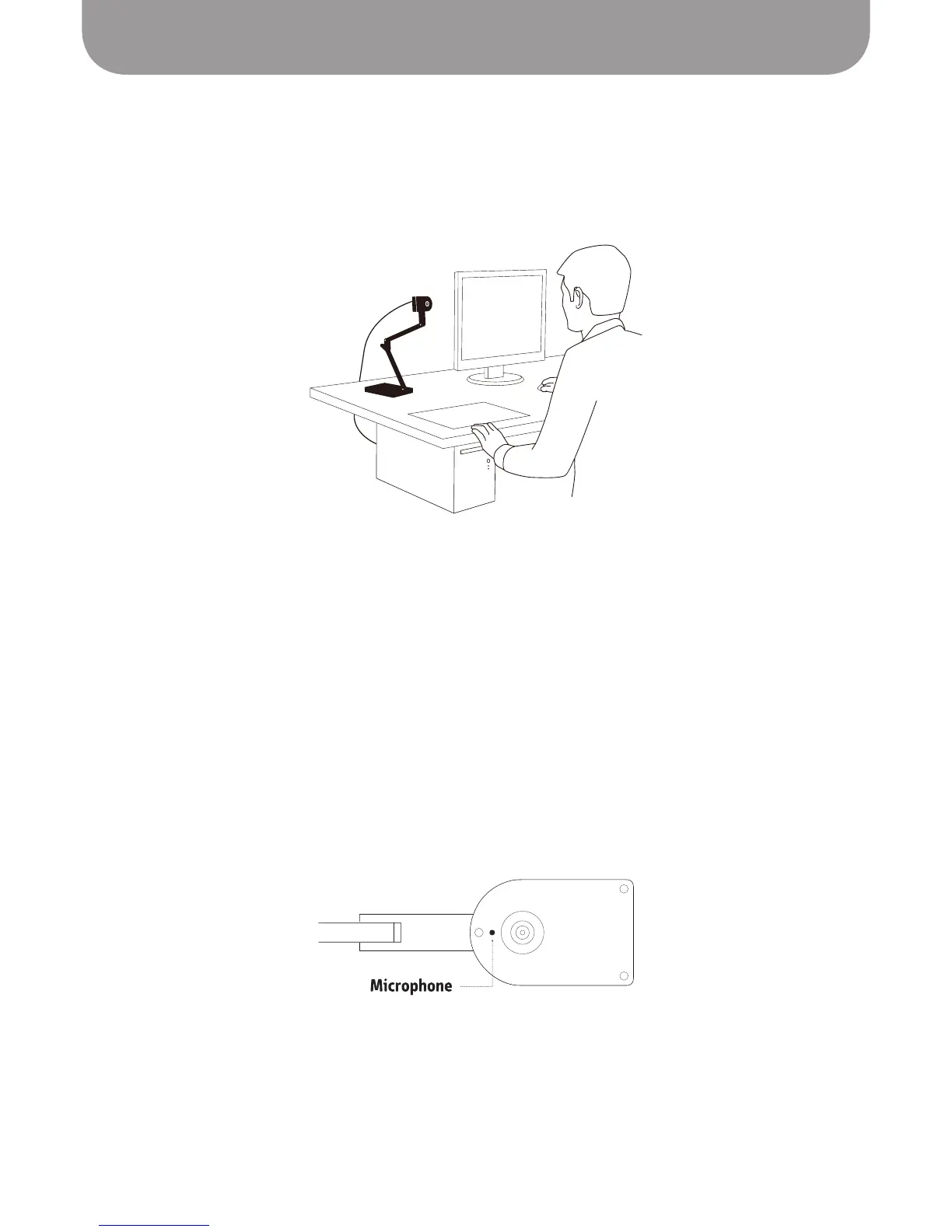
Using Ziggi-HD Plus as Web/Conferencing Camera
While Ziggi-HD Plus is designed as a document camera, it can also be used as a web camera/
conferencing camera with Skype and many other applications. Ziggi-HD Plus's top section can be rotated
up, such that the camera is pointing horizontally rather than down.
You may need to exit the Presenter software prior to using Ziggi-HD Plus in other applications. Other
applications have varying methods for how they detect and utilize cameras and microphones. Please refer
to the Help documentation of these applications for specific instructions.
When using Ziggi-HD Plus for video conferencing, ensure the Autofocus switch is set to Continuous mode.
This ensures constant sharp focus.
Built-in Microphone
Ziggi-HD Plus features a built-in microphone located on the underside of the camera body next to the
lens. This microphone can capture your voice for use with Skype and other programs. The mic is always
active when Ziggi-HD Plus is on.
The best effective range for the microphone is 1 meter or 3.28 feet.
Note: We cannot guarantee that all the functions of Ziggi-HD Plus, including exposure, focus, and the built-
in microphone, will work predictably in other applications, and IPEVO cannot offer troubleshooting for
applications outside the Presenter software.



 To Next Page