67
Calls Instruction on Dialing Number
Using Line 1 or Line 2)
Outbound voice calls
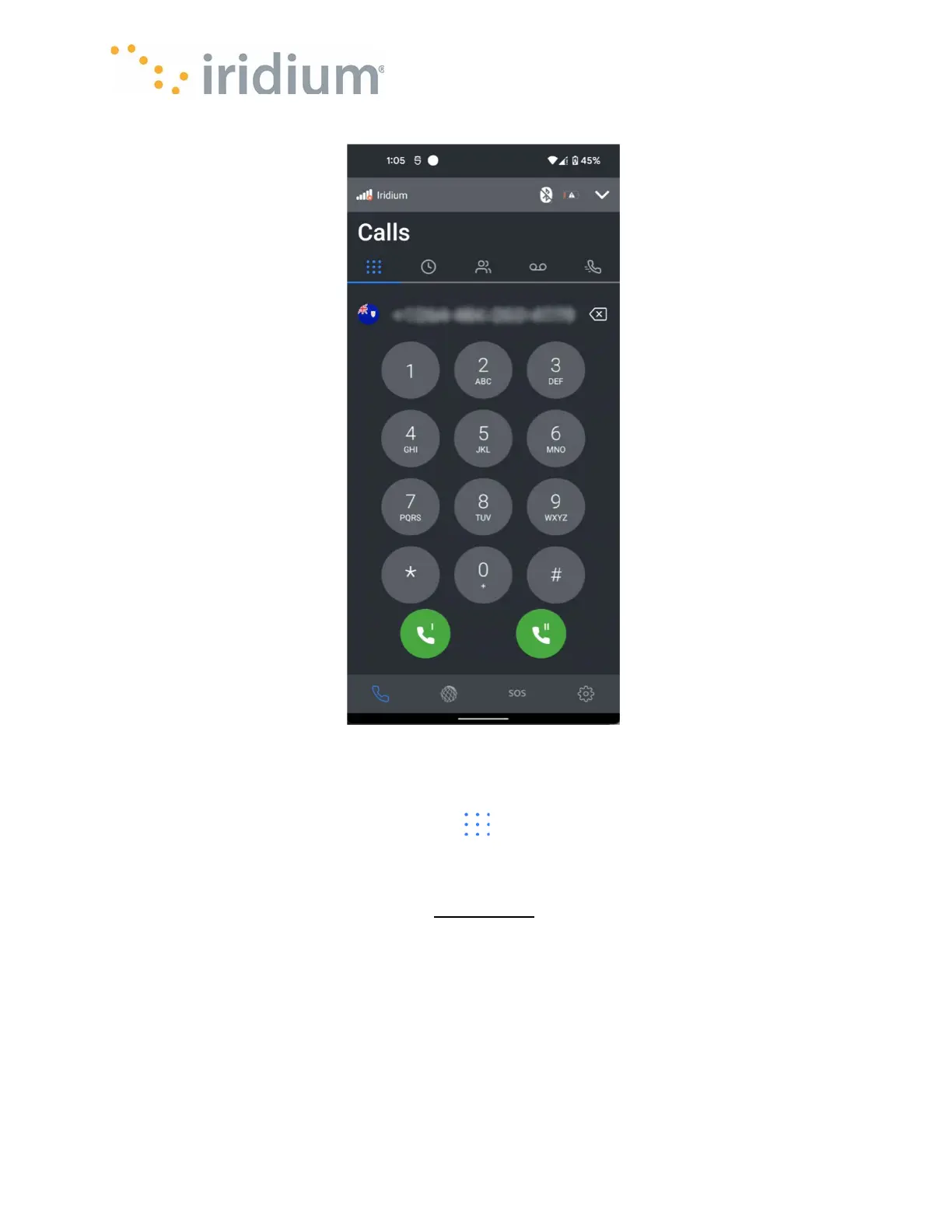
Voice calls are made by selecting the dial pad from the Home/Phone screen top navigation
keypad tab.
The outbound number should be entered with the international direct dial prefix. If smart dialing is
configured, the prefix is not required. (See Smart dialing
). When the number is entered correctly,
the call is started by pressing the green dial button for either Line 1 or Line 2. (Red buttons indicate
the line is in use). If all the available lines are in use, the App User will need to wait until a line
becomes free.



 To Next Page