68
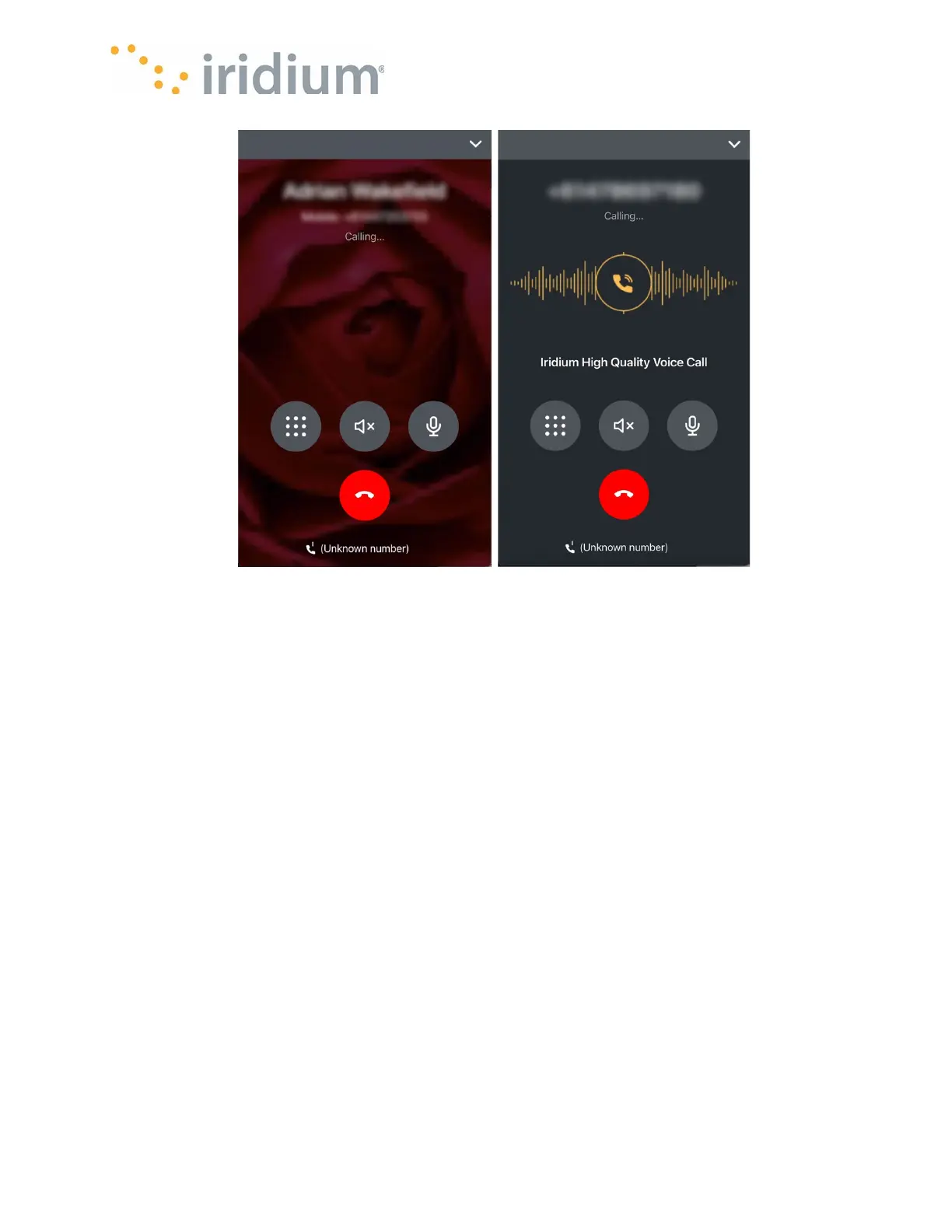
The active call screen will be shown while the call is in progress. The active call screen has a
button to allow:
• Access to the dial pad (for navigating voice mail systems etc.)
• Hanging up the call
• Muting the microphone
• Switching between normal phone, speaker phone and Bluetooth headsets (if already
connected to the smart device)
Emergency calls
Your Iridium GO! exec can make emergency calls to the following commonly recognized
emergency numbers: 000 (Australia), 911 (United States) and 112 (European Union).
To make an emergency call simply dial the emergency call number as you would any normal call.
NOTE: Emergency calls do not require the international direct dial prefix.
Emergency calls can be made regardless of line usage. If both lines are busy and they are not
making either emergency calls or SOS calls, an emergency call will be made after the lowest
priority call is terminated by the Iridium GO! exec.
NOTE: Emergency calls may also be made regardless of the state of the SIM card, i.e., the SIM
card can be faulty, invalid or even not present in the Iridium GO! exec.



 To Next Page