88
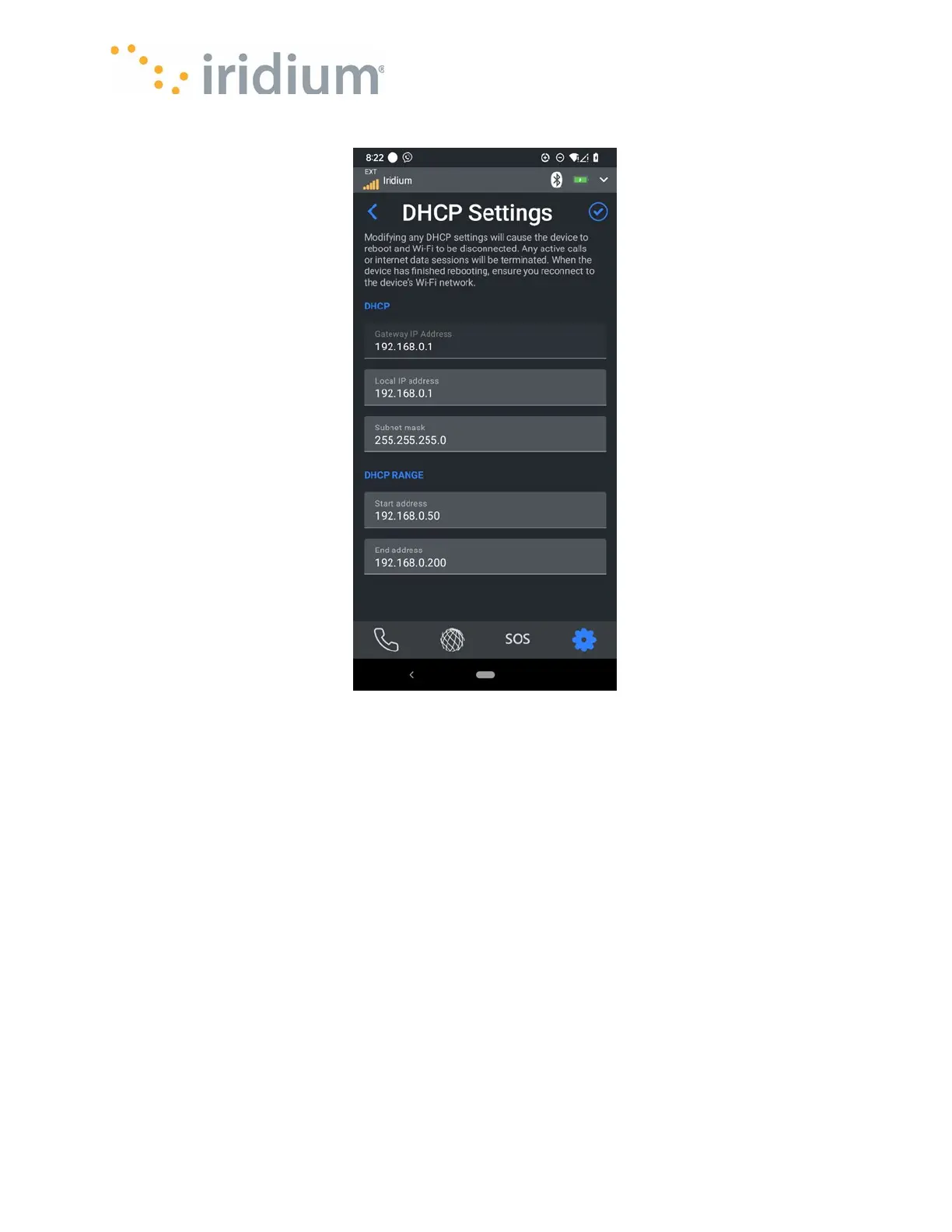
DHCP settings menu
(showing the default settings)
NOTE
: Modifying any DHCP settings will cause the device to reboot and Wi-Fi to be disconnected.
After reboot the user must ensure to connect the smart device Wi-Fi to the Iridium GO! exec
network again. On some smart devices it may be necessary to
Forget
the older network before
you can successfully connect to the modified network.
Calls
Quick Dialing
Each Quick dial contact includes a contact name and phone number.
The Quick dial number list can be configured in the Iridium GO! exec App here.
Quick dial contacts can be added manually or from the contact list
NOTE: The Contact phone number must be in the international format.



 To Next Page