89
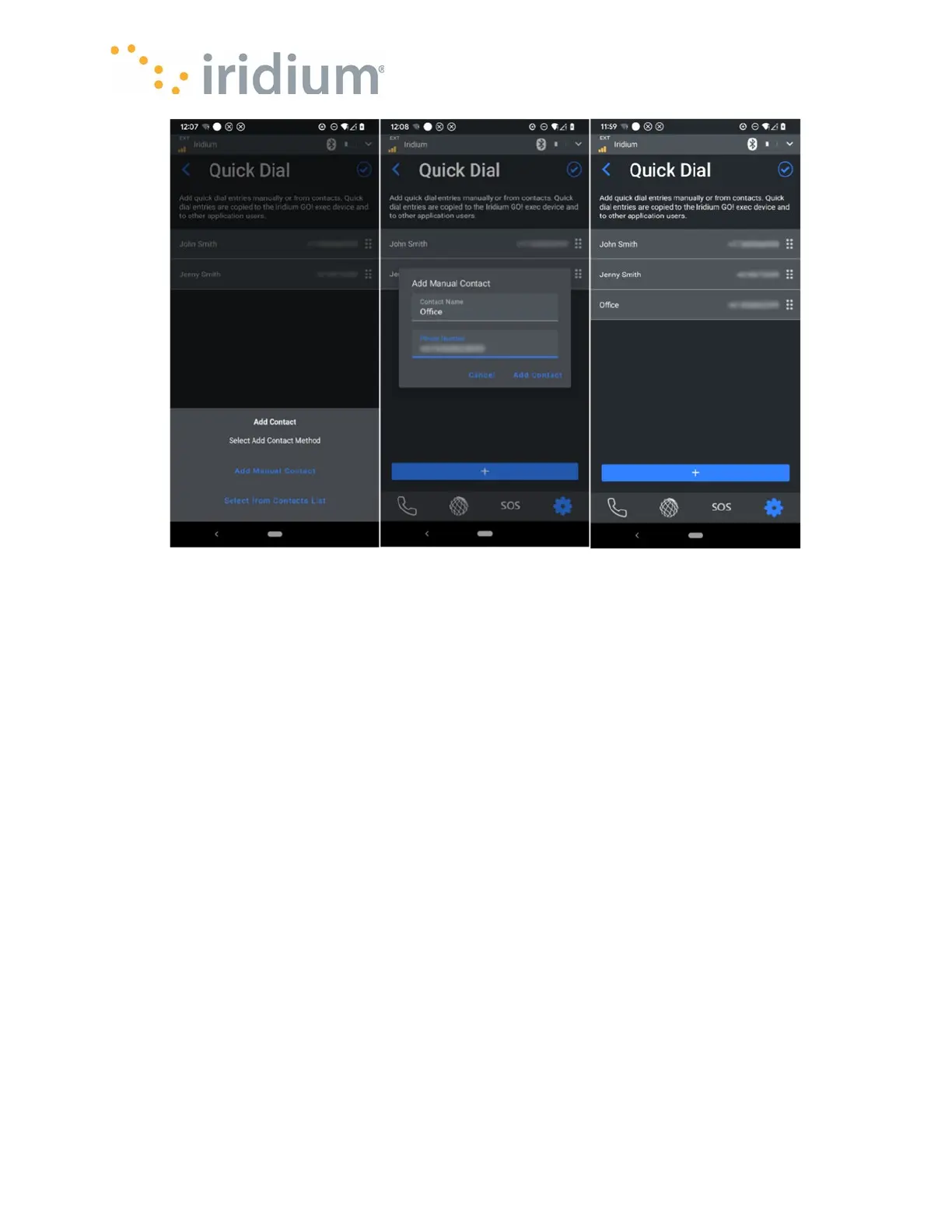
Adding a manual contact to the Quick dial List
Call History
The call history can be cleared from this menu.
Device Information
The Device info menu lists the following information about the connected Iridium GO! exec:
Firmware version
Hardware version
Model number
Serial number
BLE MAC address
Wi-Fi MAC address
IMEI
Satellite modem serial number
Satellite modem firmware version
IDD number for Line 1.
IDD number for Line 2.
This information may be of assistance in the event a support request needs to be made.



 To Next Page