90
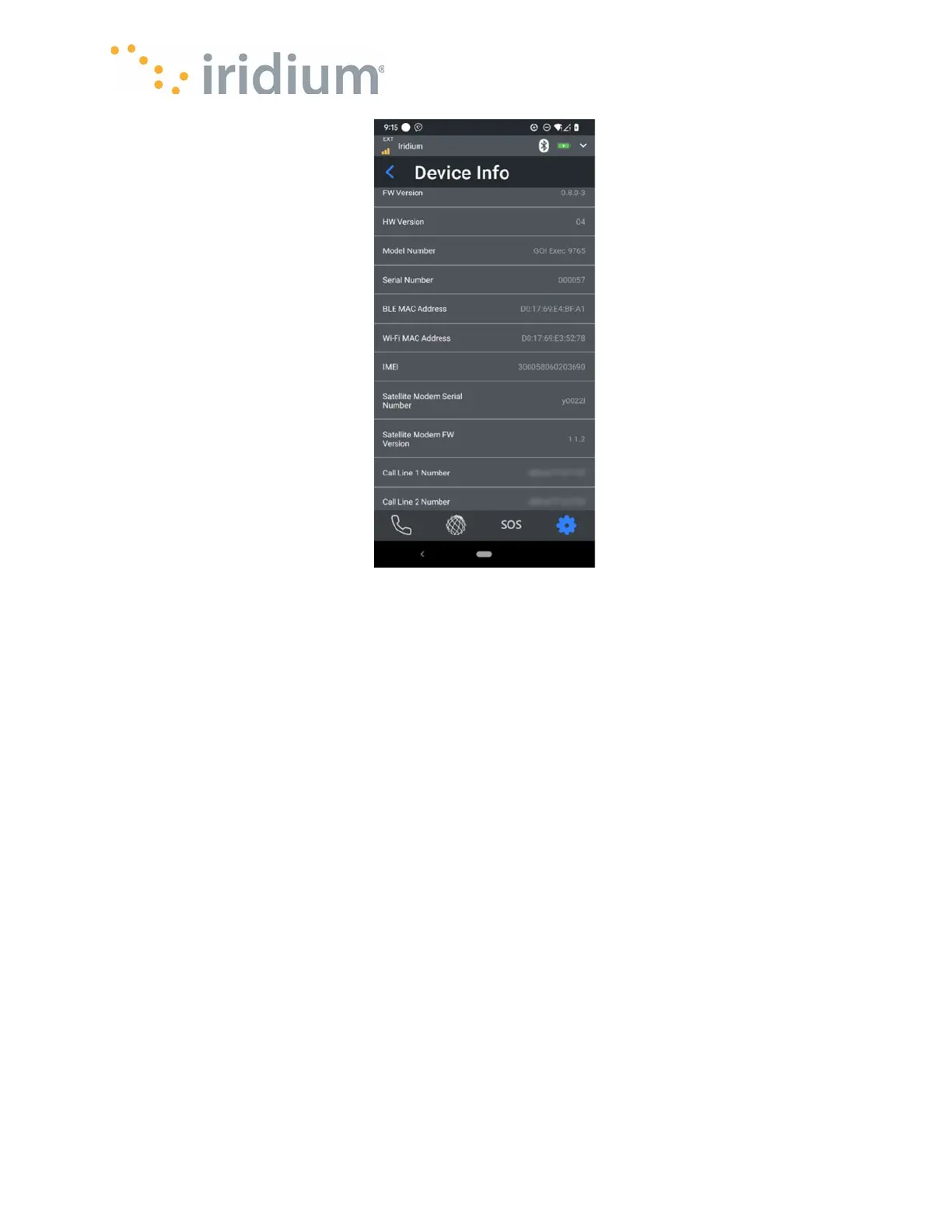
Example Device Information Screen
Admin PIN
The Admin menu allows the App User to enable or disable the Admin PIN in the Iridium GO! exec.
When enabled, the user must provide the PIN to access Admin settings in the Iridium GO! exec
and the application. When disabled, no admin PIN is required.
The admin PIN is a 4-digit number where each digit may be 0-9.
For the settings to take effect the blue tick icon must be touched.



 To Next Page