Isoprime User’s Guide
Version 1.02 Diagnostics and Security Page 124 of 219
DIAGNOSTICS AND SECURITY
ISOPRIME100 DIAGNOSTICS
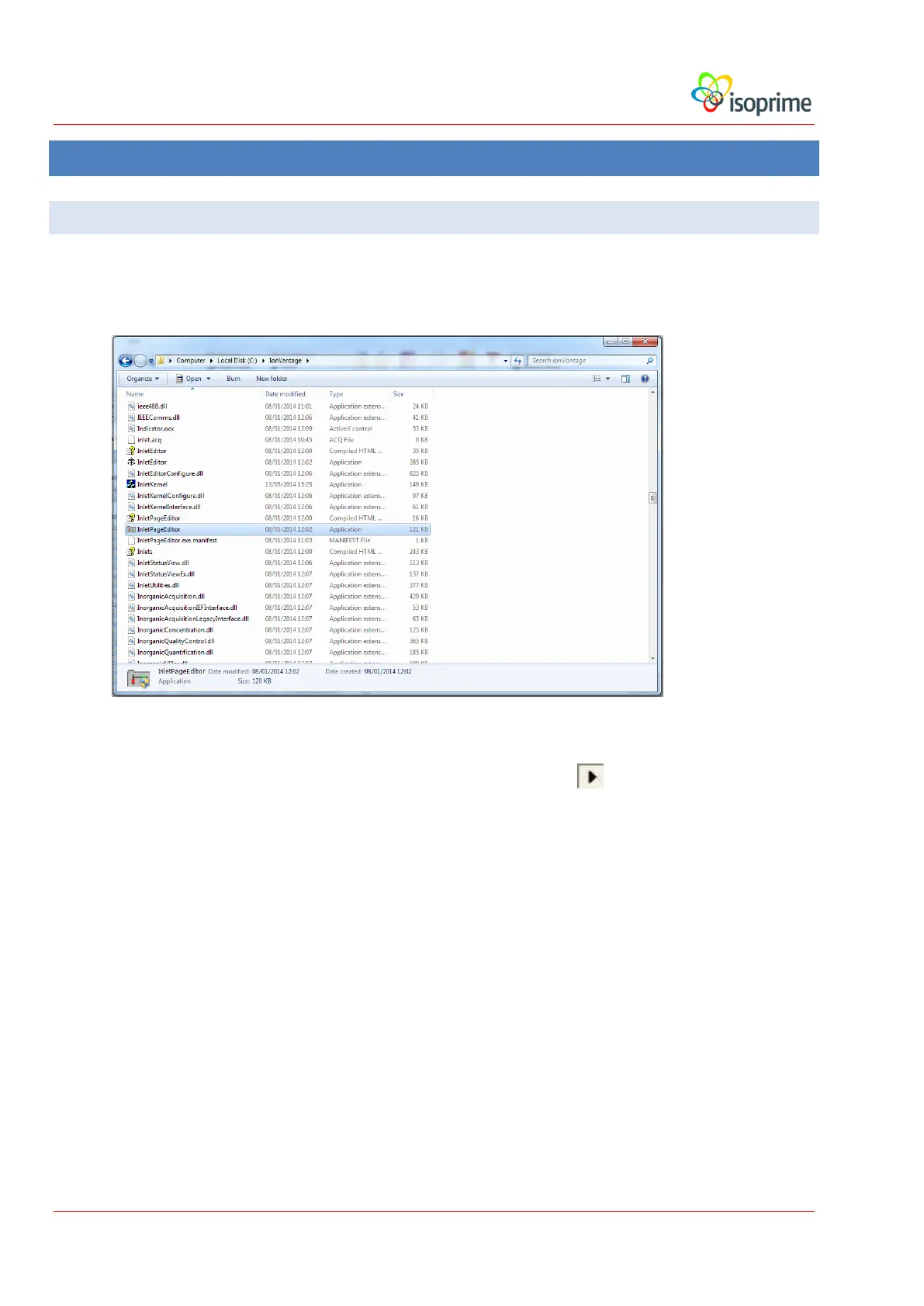
The diagnostics are run from a program called IsoprimeDiagIsoPrime100 which can be
opened in the InletPageEditor application which is located in the C:\IonVantage directory:
Diagnostics may be run regardless of whether IonVantage is running or not.
Once the IsoprimeDiag has been loaded, press the Test button to start the data transfer.
There are four tabs that monitor different parts of the IsoPrime100 system:
PSU Readbacks. This tab displays voltage readbacks from the PSU and the
gauges. The tab also indicates the status of the turbo pump and the source.



 To Next Page