Isoprime User’s Guide
Version 1.02 IsoPrime100 User’s Guide Page 56 of 219
PROJECT FILE STRUCTURE
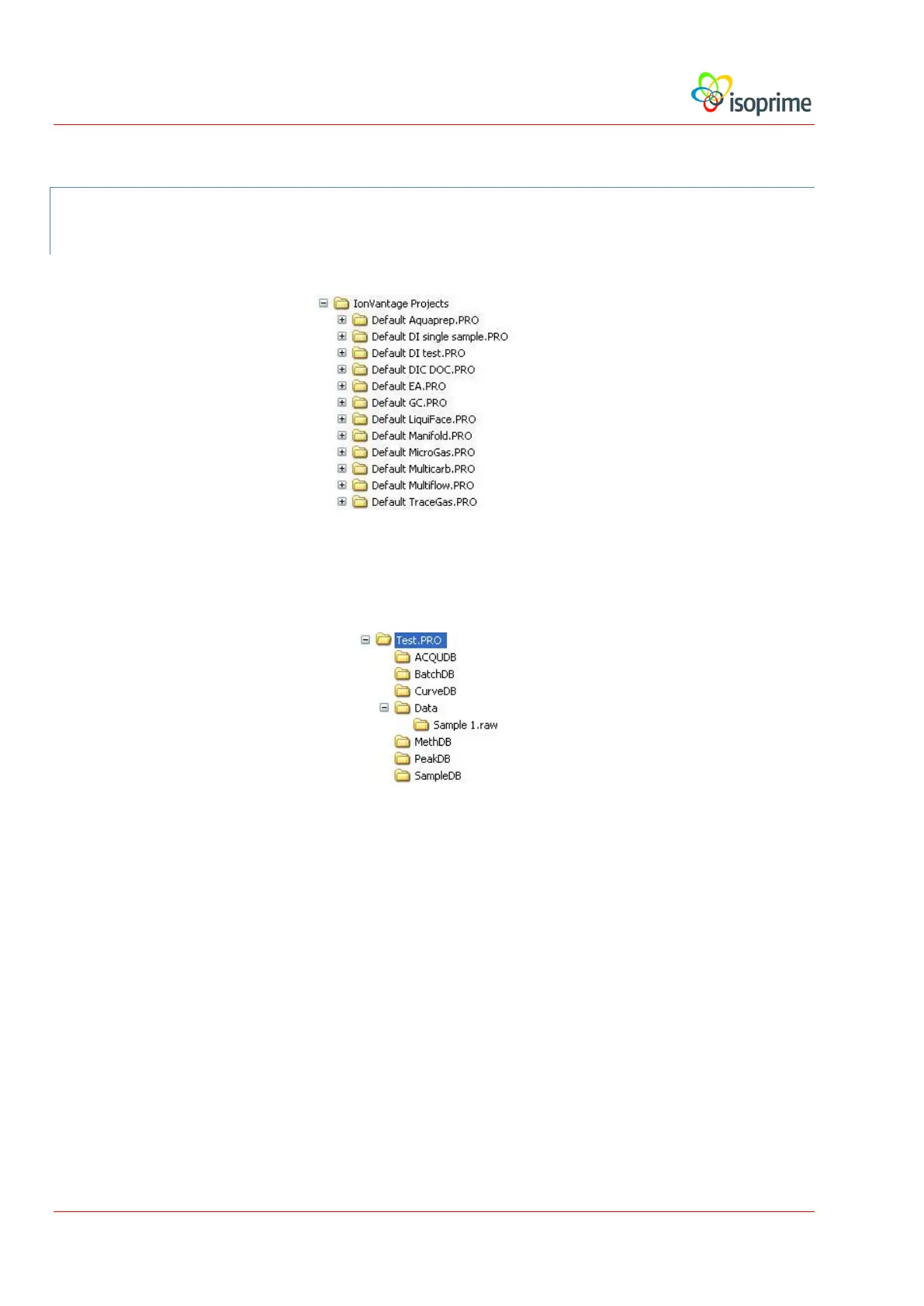
Project folders are all stored in IonVantage Projects, as shown below:
A project folder contains all the information for that project. The structure of a typical project is
shown below:
The Project information is divided between subfolders as follows:
Acqudb. This folder contains all the methods, scans, tune files, maps and
configuration files that define how the data are to be acquired.
BatchDB. This folder contains the batch reports that are generated in the
project.
CurveDB. This folder is not used.
Data. This folder contains the acquired sample data. Raw sample data are stored
in a number of files within a subfolder with the extension RAW. The data
processing results are also stored in this folder. In the example above, the
subfolder is called sample 1.RAW. Sample 1 is the name defined in the
File Name field of the sample list.



 To Next Page