IsoPrime User’s Guide
Version 1.01 IsoPrime100 User’s Guide Page 49 of 219
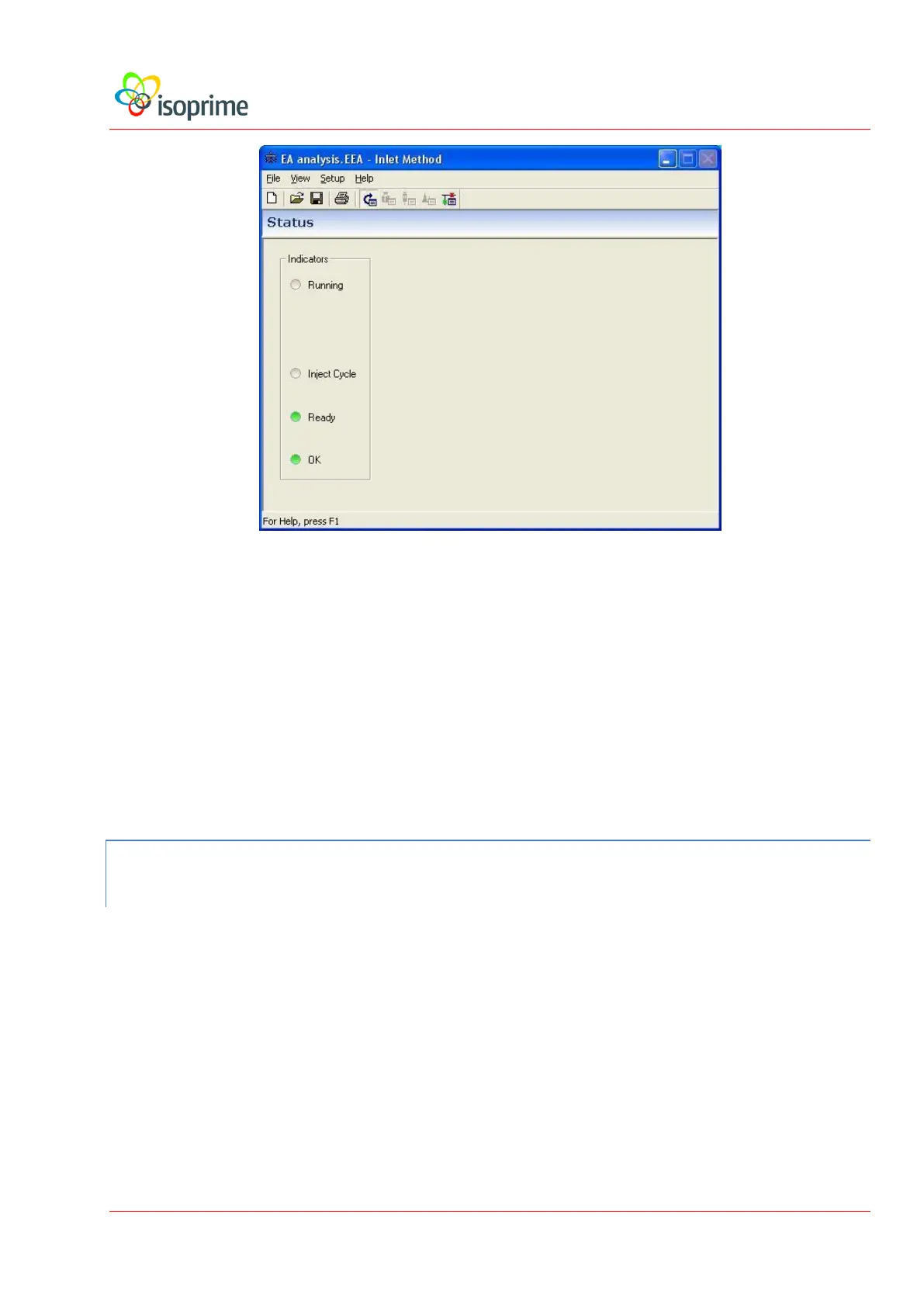
The status page gives an overview of the current condition of the inlet. The LEDs in the
Indicators panel indicate whether or not the inlet is presently in operation, and give the status
of the autosampler. If a GC is configured then the status page displays information relating to
the GC. The other pages of the inlet editor are accessed from the View menu or via the toolbar
buttons.
The inlet editor is described in more detail in the IonVantage User’s Guide for each preparation
system.
THE SCRIPT MESSAGE WINDOW
The script message window serves as a central location for the logging of messages in
IonVantage. The information that appears in this window describes the operations being
performed by the tune page, inlets and data processing.
The message window is shown below:



 To Next Page