Isoprime User’s Guide
Version 1.02 IsoPrime100 User’s Guide Page 50 of 219
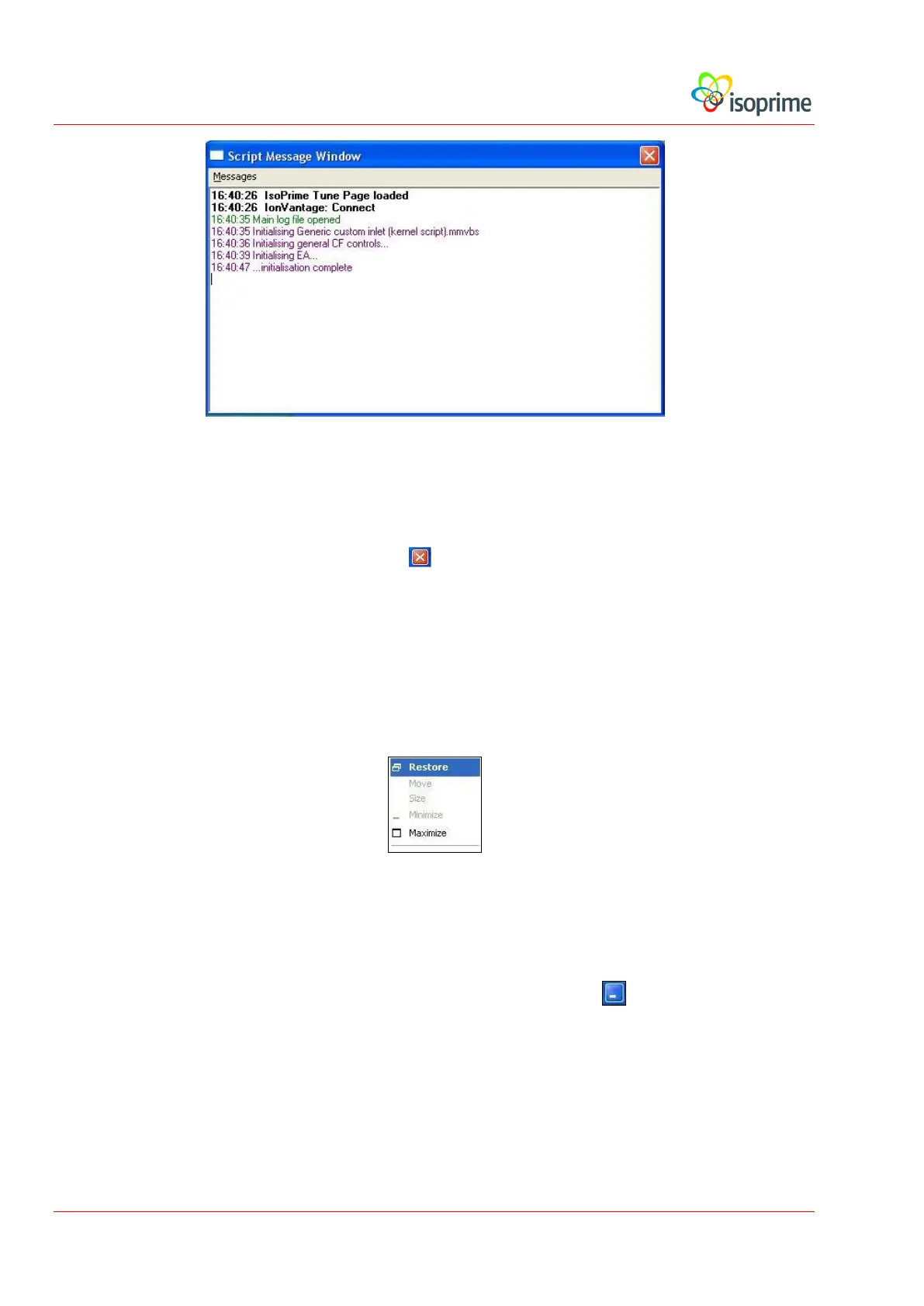
In the example above, the messages are the result of a successful start-up of the software with
an Elemental Analyser (EA) configured.
To close the message window, press the button.
To restore the message window, follow these steps:
Right-click on the ScriptEditor button in the task bar at the bottom of the
screen.
Select Restore from the displayed menu.
The script editor will appear. To open the script message window, select View,
Messages from the script editor menu bar.
Minimise the script editor again using the minimise button.



 To Next Page