IsoPrime User’s Guide
Version 1.01 IsoPrime100 User’s Guide Page 87 of 219
MAP FILES
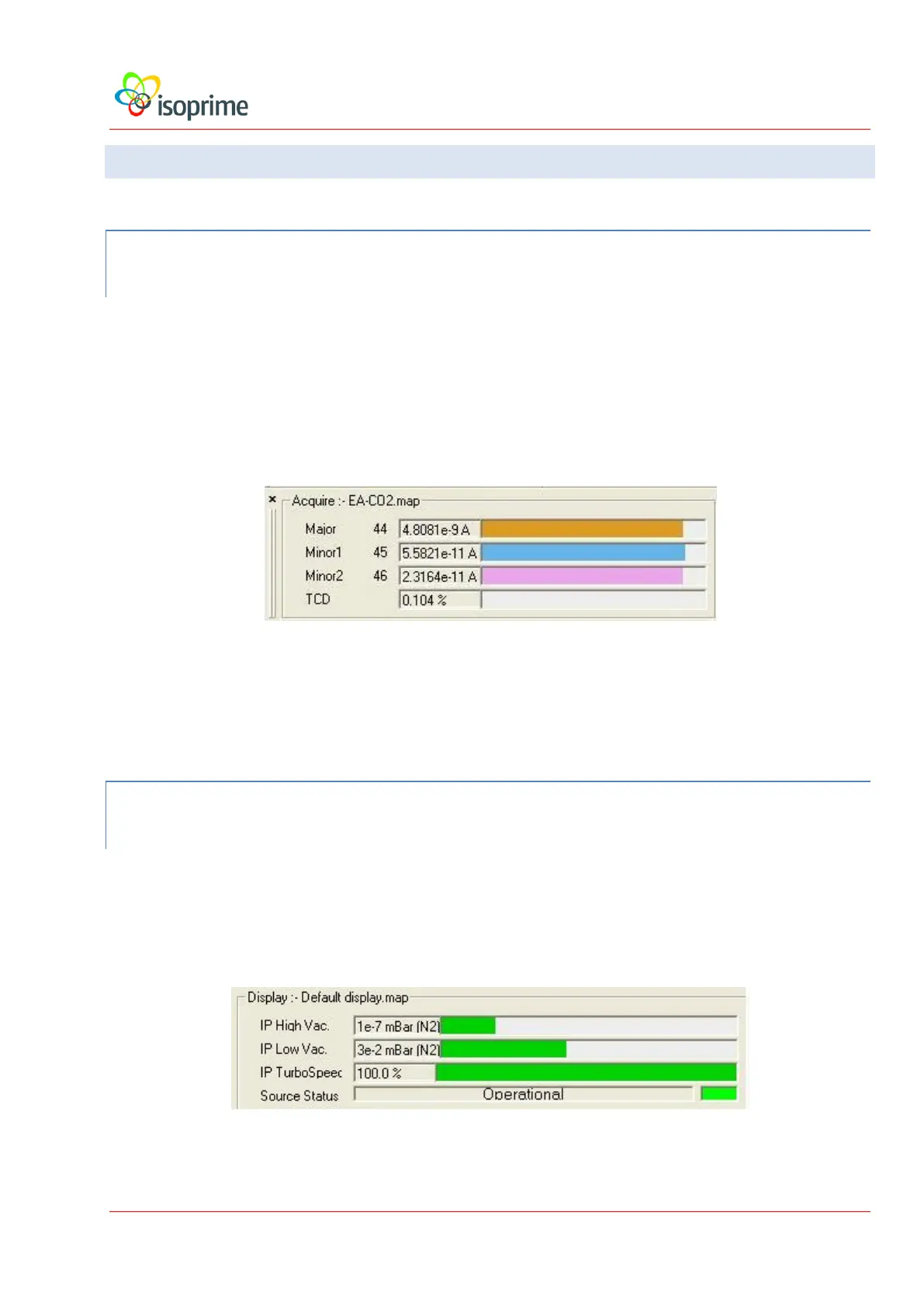
ACQUISITION MAP
The acquisition map is used to display the information that is being acquired in both
graphical and numerical format. The user can change which of the acquired channels
are displayed using the map editor (see below). Not all of the information that is
acquired is displayed (for example, ratios and the status of valves are not usually
displayed).
During the installation of IonVantage, a set of map files is included for each gas. The
files include the necessary beams, ratios and any auxiliary detector that is present.
DISPLAY MAP
The display map displays instrument readbacks that indicate the status of the instrument. The
displayed information is independent of the gas being analysed and the preparation system
being used, and the information is not stored in the tuning file.



 To Next Page