Isoprime User’s Guide
Version 1.02 IsoPrime100 User’s Guide Page 44 of 219
CLOSING DOWN IONVANTAGE
To stop IonVantage, Press the button in the top right corner of the sample list, or select File,
Exit. The sample list and other windows will then be closed.
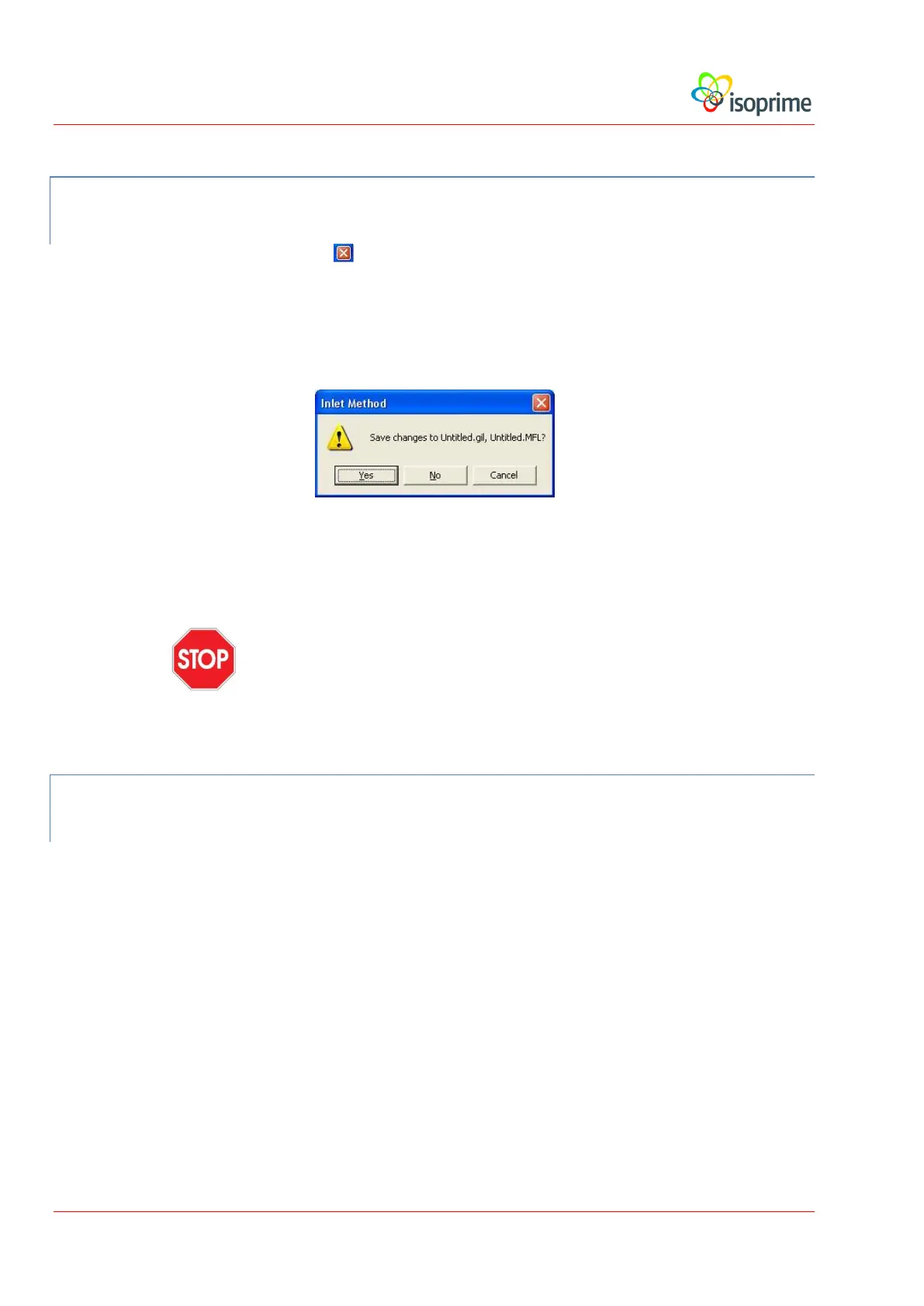
Occasionally the following dialog box will be displayed:
Whenever this dialog appears, press the No button.
Caution: Do not select Yes in the dialog box shown above unless you are
certain that you wish to change the inlet file.
CLOSING IONVANTAGE AFTER A CRASH
In some circumstances IonVantage may not close correctly, or the software may crash and
produce error messages. To ensure that IonVantage is stopped correctly, the task manager
should be used to close down IonVantage, as follows:
Start the Task Manager.
To launch the task manager, either:
Right-click on the blue part of the task bar at the bottom of the screen, ensuring that the cursor
is not positioned over one of the application buttons. Select Task Manager from the menu:



 To Next Page