IsoPrime User’s Guide
Version 1.01 IsoPrime100 User’s Guide Page 73 of 219
PUMPING CONTROL
PUMPING DOWN
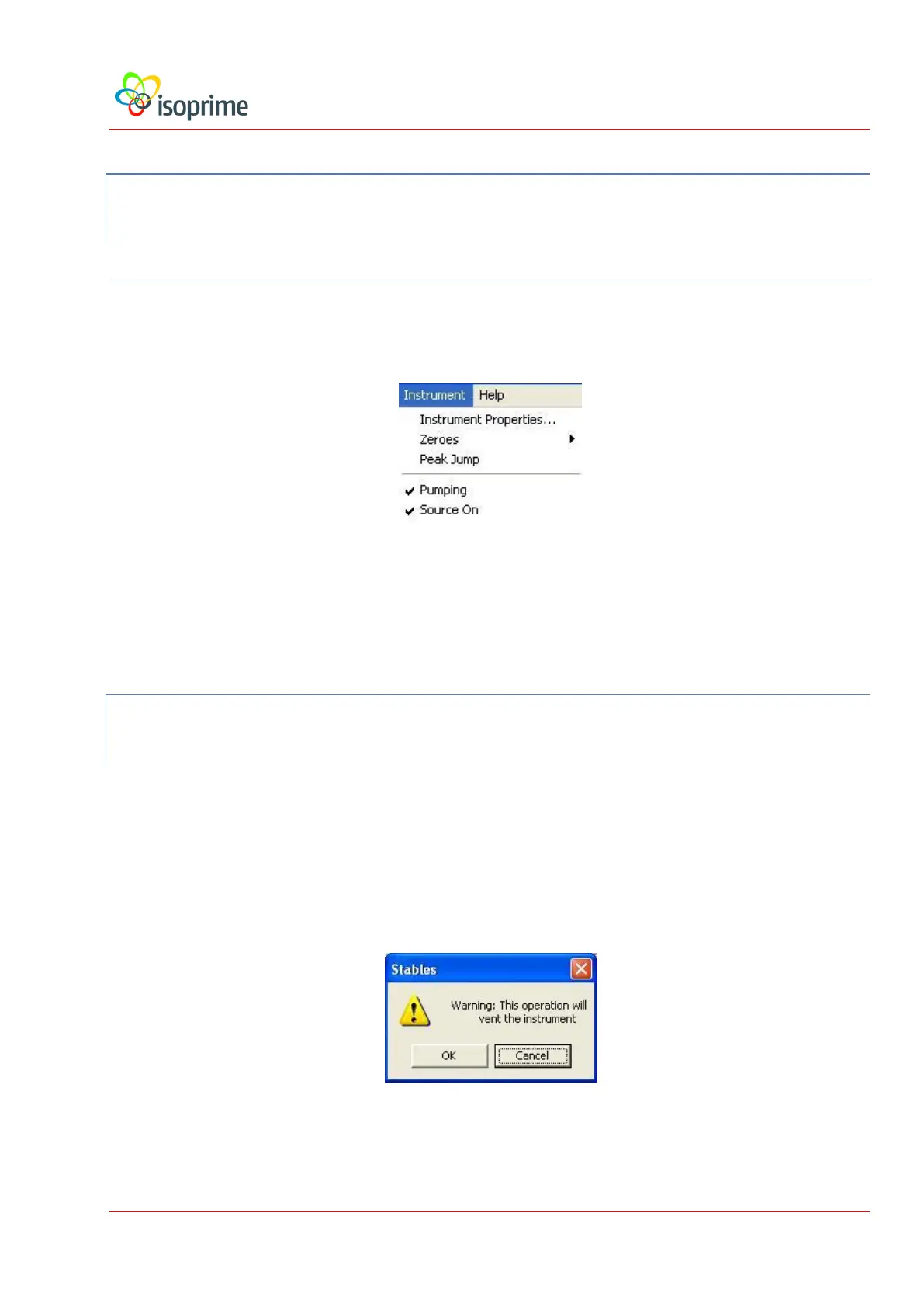
The pumping is controlled via the Instrument menu. A tick next to Pumping indicates that
the pumps are on:
To pump down the IsoPrime100, choose Instrument, Pumping. The vent valve will close and
the turbo pump will be started. As soon as the turbo pump is started, the Speedivalve on the
backing line should be opened (located on the rear of the instrument). The speed of the turbo
may be monitored in the turbo speed bar graph in the Display panel.
VENTING
Vent the IsoPrime100 as follows:
Close the Speedivalve at the back of the instrument to isolate the backing line.
Choose Instrument and de-select (un-check) Pumping. The following
warning message is displayed:
Press the OK button. The turbo pump is switched off.



 To Next Page