Isoprime User’s Guide
Version 1.02 IsoPrime100 User’s Guide Page 96 of 219
Save the tuning file, if required.
RUNNING A PEAK CENTRE SCAN
To run the peak centre scan from the tune page, either press Alt-C on the keyboard or
select Acquire, Run Peak Centre. The scan is displayed in the peak display
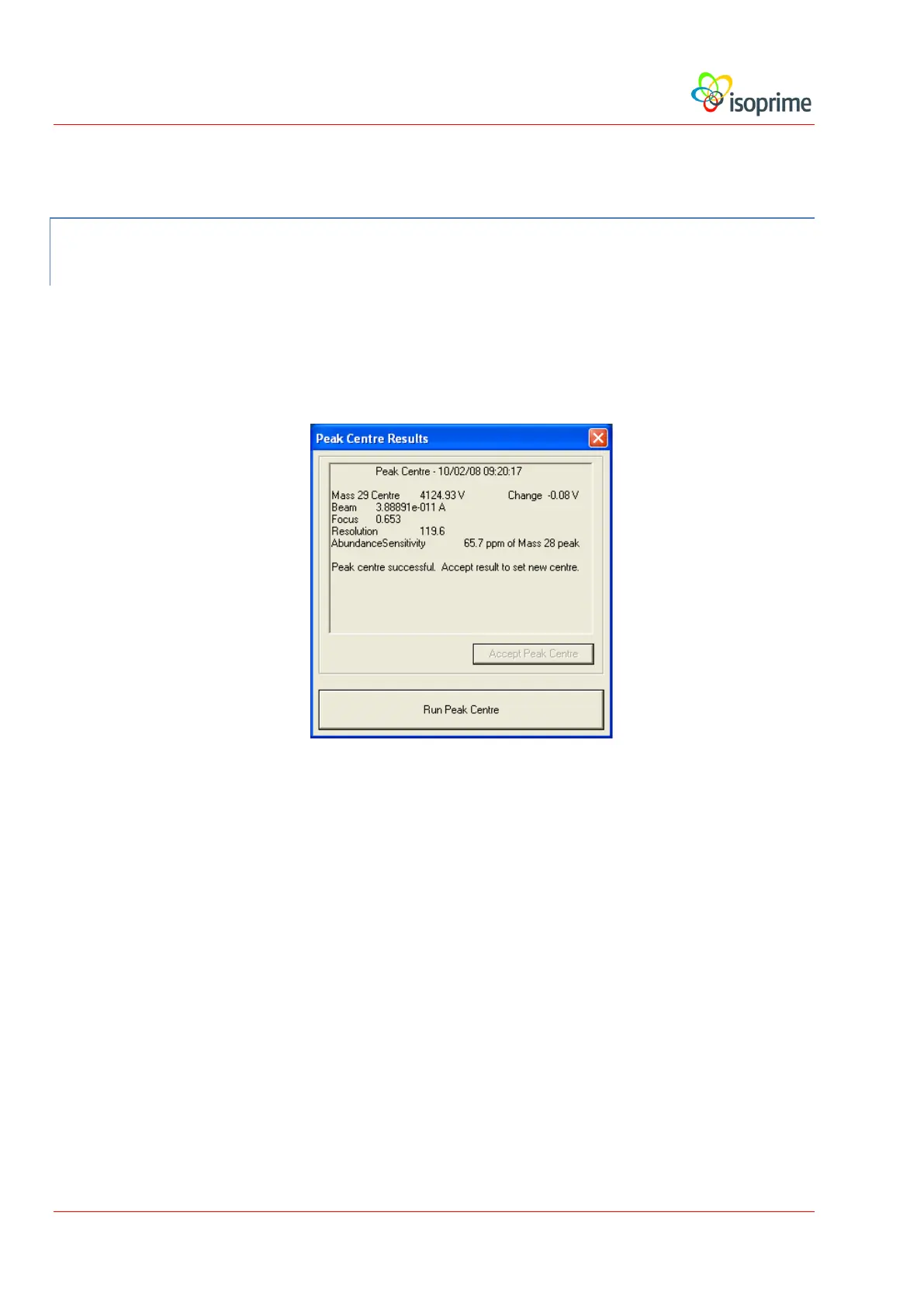
window. Once the peak centre scan has finished, the following dialog box appears:
This dialog displays the following information:
Centre. The calculated accelerating voltage for the centre of the peak in the centre
beam.
Change. The difference in voltage between the newly calculated setting and the
previous setting.
Beam. The size of the beam, in amps.
Focus. This provides a quantitative measure of the peak shape. The focus is the
ratio of the 90% peak width to the 10% width. The closer this value is to unity,
the more vertical are the peak sides.



 To Next Page