Isoprime User’s Guide
Version 1.02 IsoPrime100 User’s Guide Page 68 of 219
REPLACING SAMPLES
Replace the bottle numbers of samples in the sample list as follows:
Select the samples that are to be added to the list by selecting them in the plate
layout pane. The number of samples selected must be the same as the number of
samples to be replaced.
In the sample list, select the rows containing the samples to be replaced.
Press the replace samples button .
Only the bottle numbers are replaced for each sample. All other information present in the
sample list remains the same.
EDITING COLUMNS
To change the width of a column, position the cursor on the line between the two column
headings, until a double-headed arrow appears. Click and drag the border until the column is the
required width.
To change a column title, or to modify the alignment of the column text, proceed as follows:
Highlight the column.
Either press the format toolbar button , or Right mouse click on the column and
select properties.
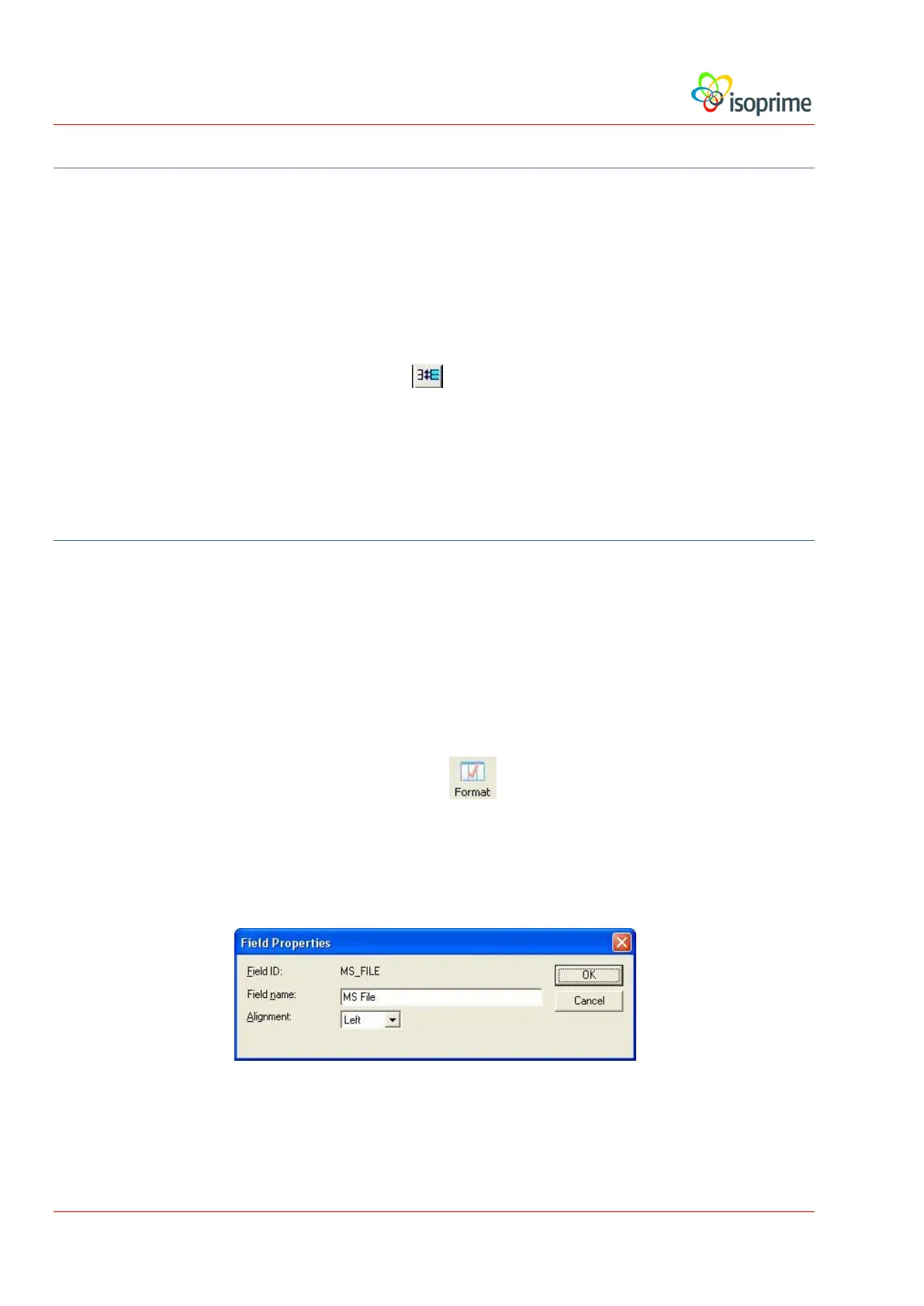
Both Commands display the Field Properties dialog box:
Make the necessary adjustments and press the OK button.
The alignment of column text may also be adjusted as follows:



 To Next Page