IsoPrime User’s Guide
Version 1.01 IsoPrime100 User’s Guide Page 55 of 219
Once a template project has been selected, press the Finish button. The new project
will be created and will then become the current project.
SWITCHING BETWEEN PROJECTS
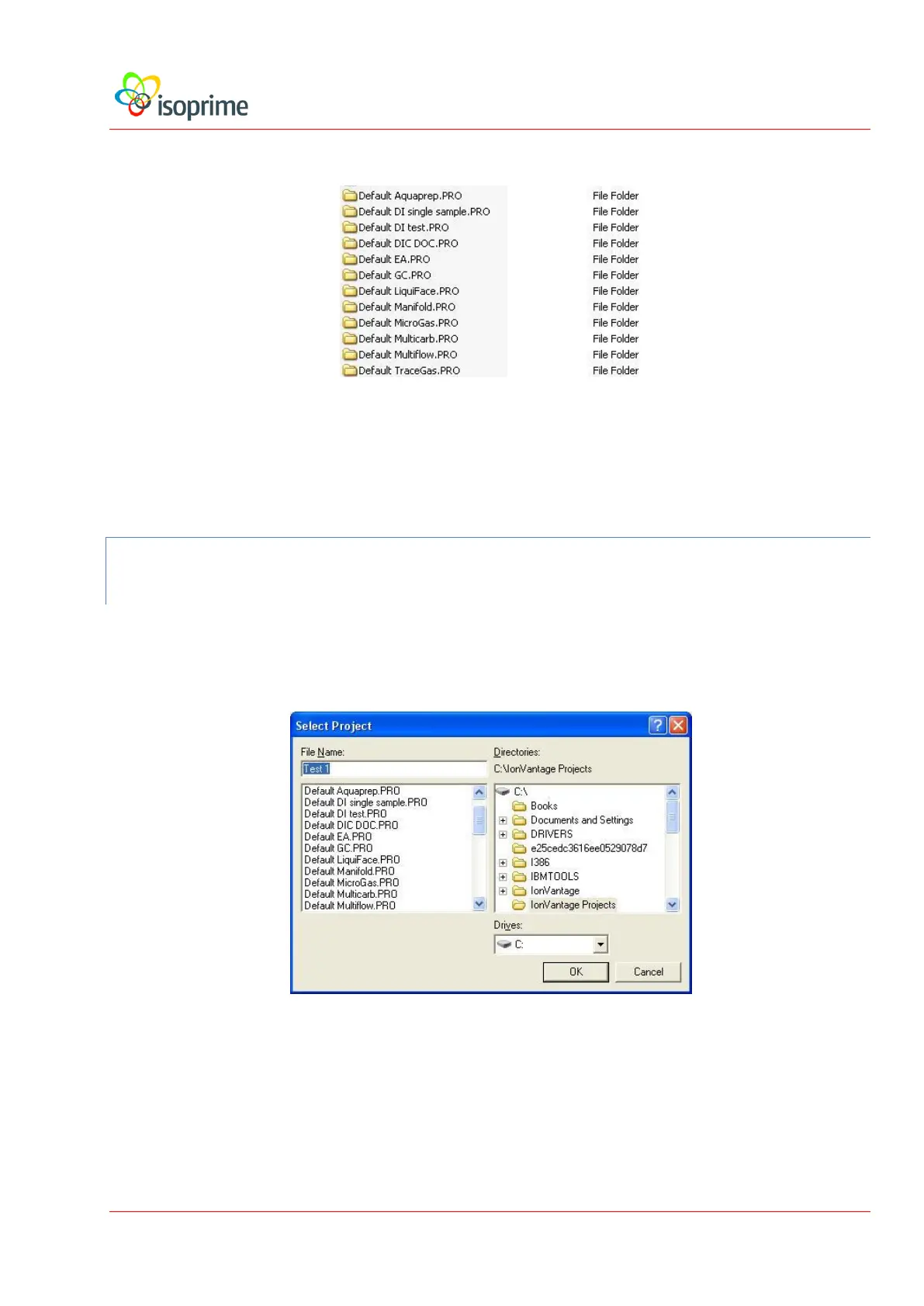
Users may switch between projects without re-starting IonVantage, as follows:
Select Projects, Open Project from the sample list menu. This displays the following
dialog box:
Select a project from the list and press the OK button. The selected project is now the
current project.


 To Next Page