IsoPrime User’s Guide
Version 1.01 IsoPrime100 User’s Guide Page 93 of 219
ENABLE STATUS – RIO PROPERTY
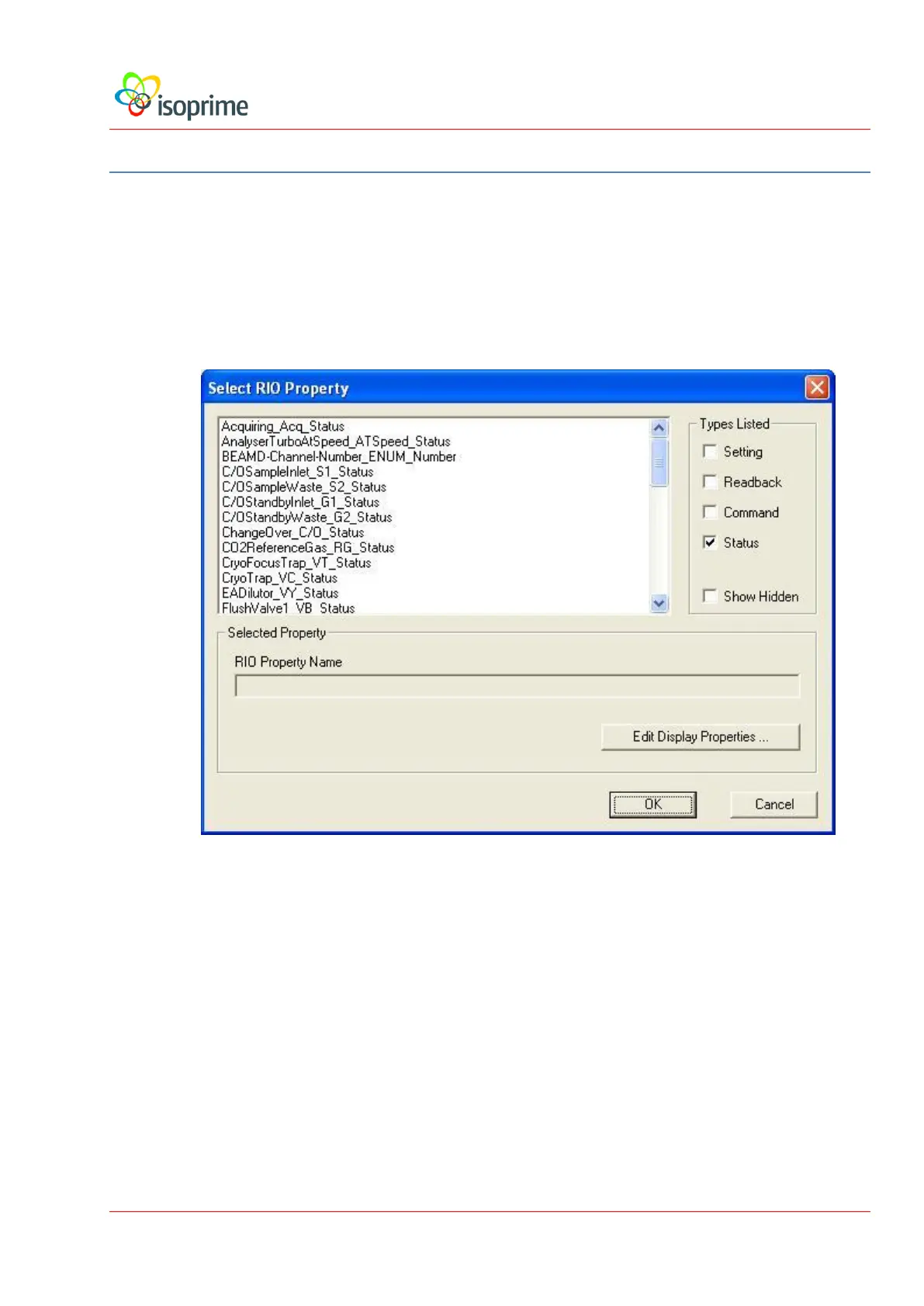
RIO Property. If readback, gauge or status are selected, this parameter defines
the RIO property to be displayed or acquired. RIO properties are parameters
that specify hardware events to be performed by the firmware during an
acquisition. The RIO property may be selected by pressing the Select button
that opens the Select Rio Property dialog shown below:
Show in Acquire Display. If this check box is clear, the channel will be
acquired but not displayed on the tune page.
Use for DI Integration. If readback, gauge or status are selected and this
command is checked, the channel is used by the data processing software for the
integration of dual inlet data.
Auxiliary Detector. If readback, gauge or status are selected and this command is
checked, the TCD signal is moved to the auxiliary channel. This allows the TCD to be
integrated for elemental compositions.



 To Next Page