Isoprime User’s Guide
Version 1.02 IsoPrime100 User’s Guide Page 80 of 219
* Trap Current settings are dependent on system requirements, for example dual inlet systems
often run with a higher trap current setting than continuous flow systems.
Starting from the values shown above, and using the gas species CO
2
as an example, the
procedure for tuning the three ion beams for this gas, is described below:
Check that CO
2
gas supply is connected to the Reference Gas module and a
there is a flow through the vent.
Check that valve RG is open.
Check that the isolation valve is open.
Check that the ion source is ON.
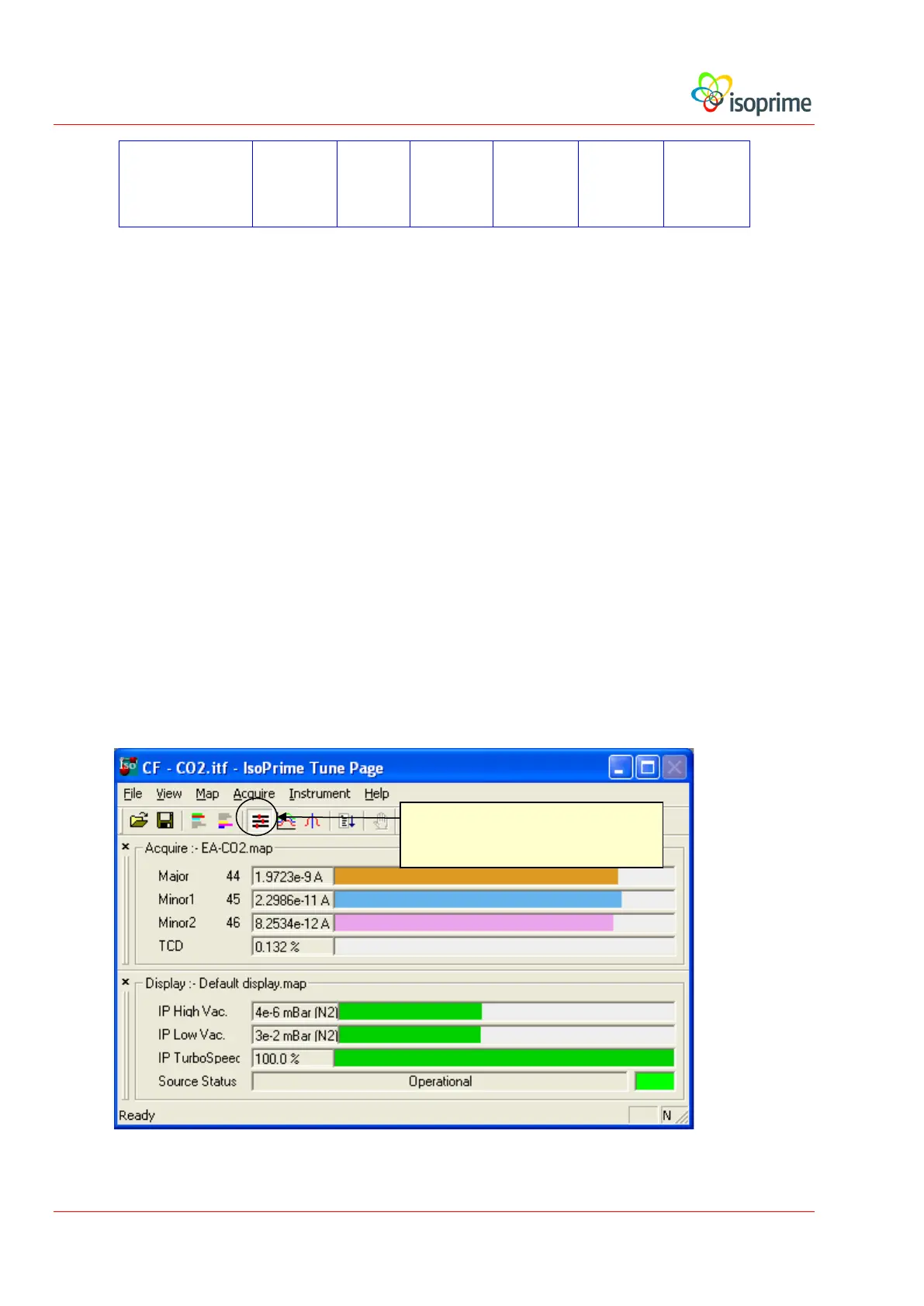
From the IonVantage User Interface, select the Tune Page window.
Load the Tune Page file for CO
2
.
Open the Source parameters window, single click on the corresponding icon.
Open Source Tune Parameters



 To Next Page