11
English/ Chapter 05English/ Chapter 05
5.1 Configuring Your Computer
The following takes Windows XP as an example. Do as follows to
manually set the network adapter:
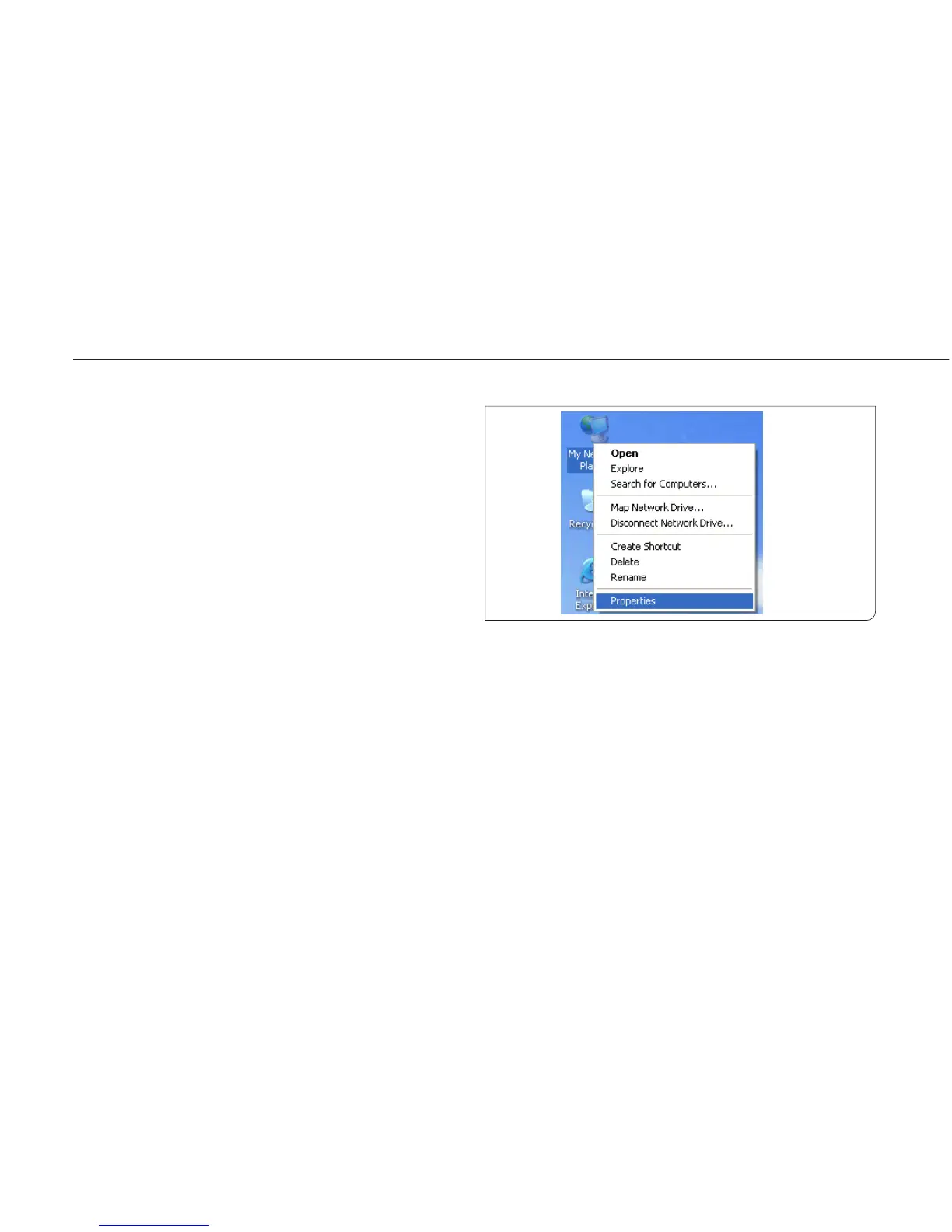
Step 1 Right-click the icon of My Network Places and choose
Properties to display the Network Connections window.
5. Configuring
Your Computer
and Wireless
Connection



 To Next Page