49
English/ Chapter 08
.8.2 Setup Wizard
For settings, refer to section 6.1 “Bridge Mode Configuration”.
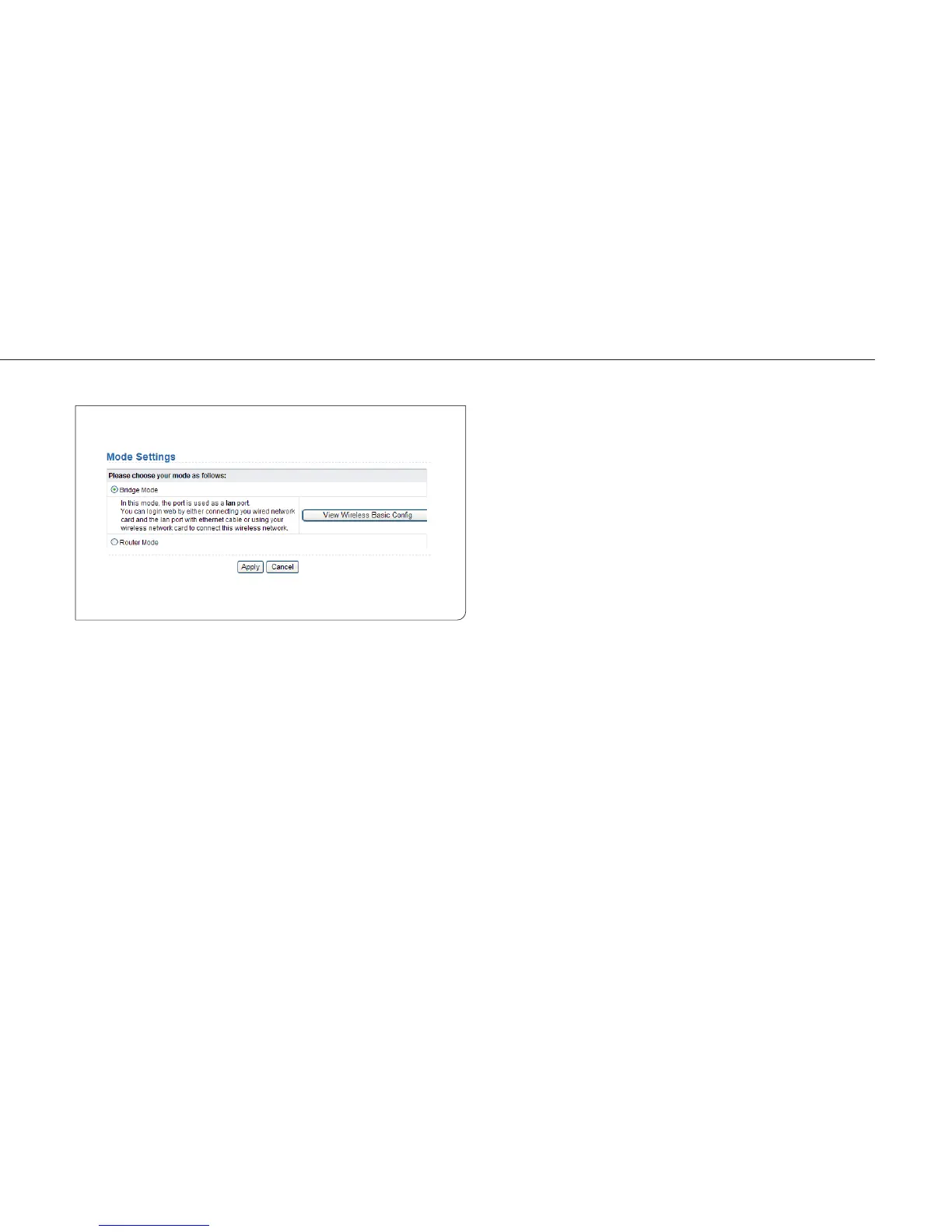
8.3 Mode Setting
Click Mode Settings and the Mode Settings page is displayed.
Bridge Mode: The interface on its case is an LAN interface. Users can
connect ISY Wireless Range Extender and the PC using an RJ45 cable or
a wireless network card.
Router Mode: Computers can connect to ISY Wireless Range Extender
in a wireless way only.



 To Next Page