7
English/ Chapter 04
4.1 Hardware Description
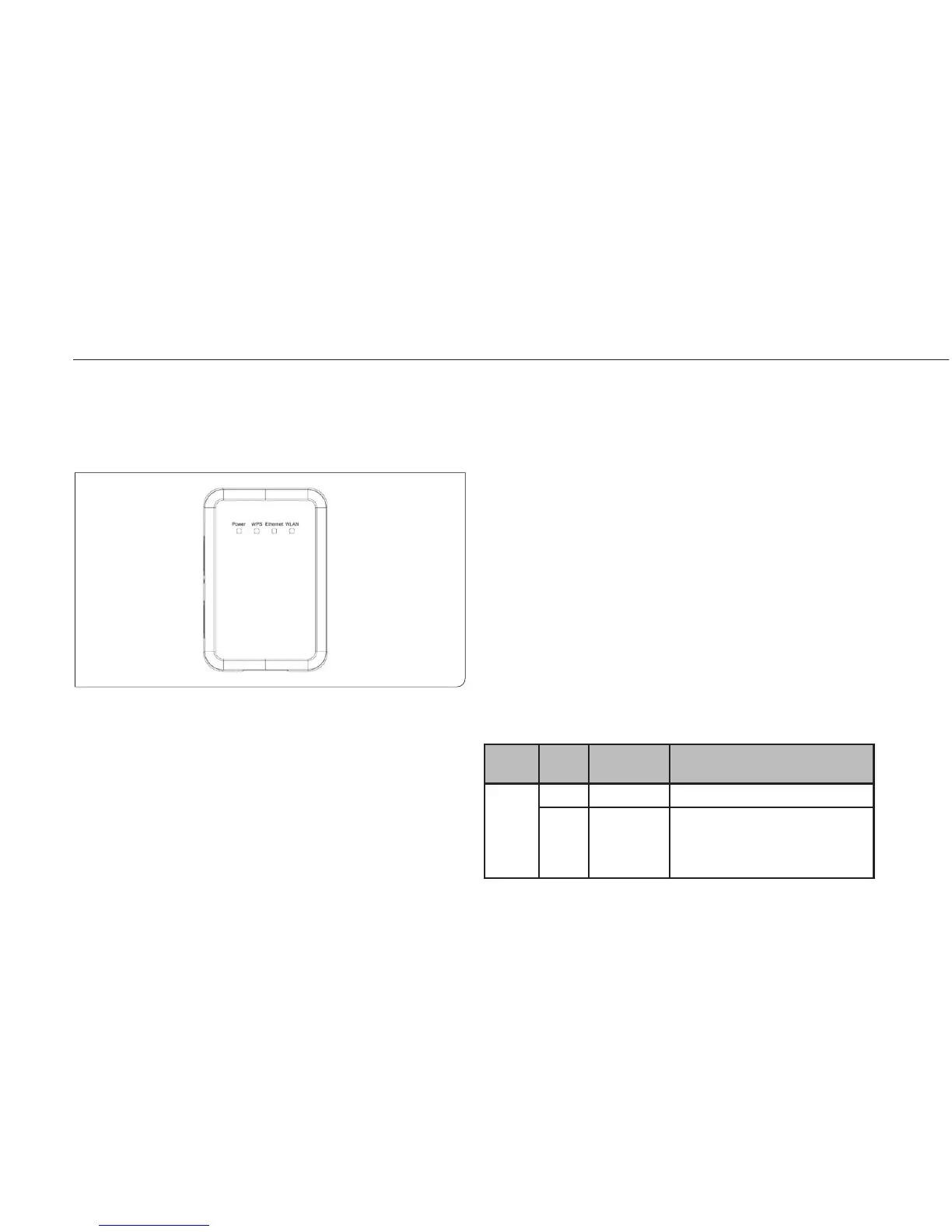
4.1.1 Front Panel and LED Status
There are 4 LED indicators on the front panel of ISY Wireless Range
Extender. By observing their status, you can check whether the device
runs normally.
IndIca-
tor
color StatuS deScrIpt Ion
Power Green on The device is workinG normally.
red On The system is in the process of
self-inspection or fails the self-
inspection. Or it is in the process of
software upgrade.
English/ Chapter 04
4. Hardware Description and Installation
Front Panel and LED Status



 To Next Page