95
English/ Chapter 12
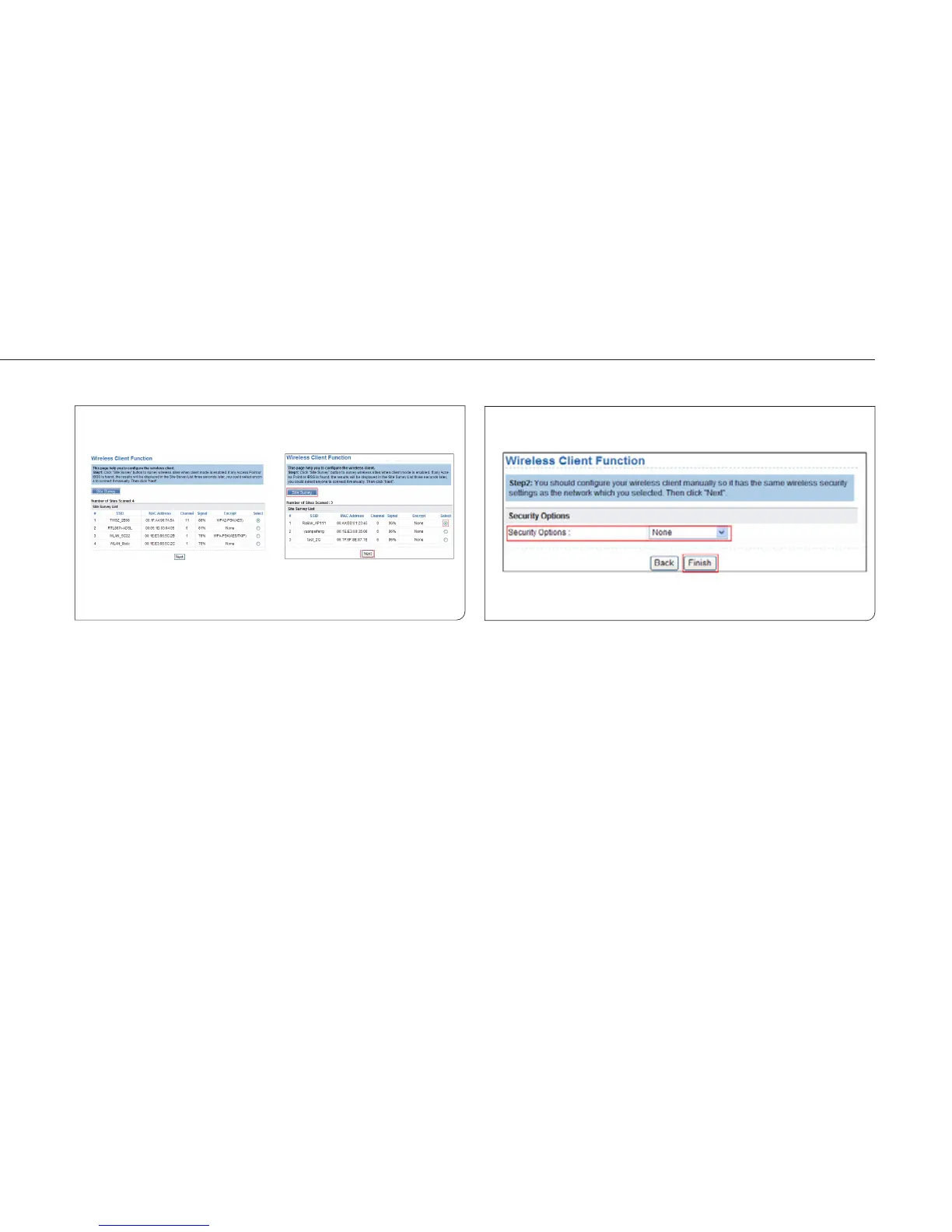
12.4.2 Wireless Client Function
Choose Wireless Settings > Wireless Client Function and the Wireless
Client Function page is displayed.
Step 1 Click Site Survey to search for the wireless network you
want to connect.
Step 2 Enter encryption information of the selected wireless
network. Configure the client with the same security
settings as the selected network. Click Finish. Then, the
client can communicate with the selected network.



 To Next Page