14
English/ Chapter 05
5.2 Configuring Wireless Configuration
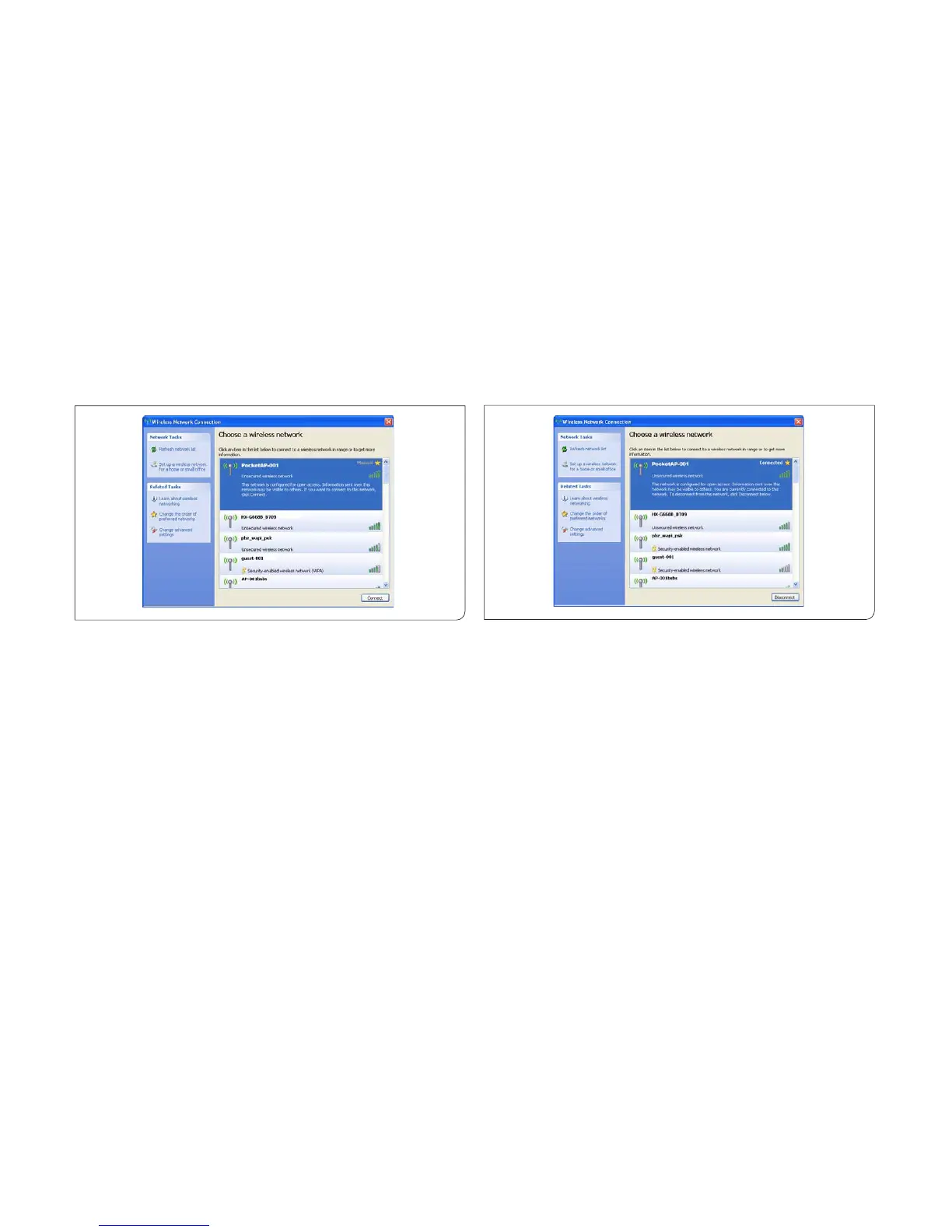
The following takes Windows XP as an example. Do as follows to
connect the wireless network adapter of your PC to ISY Wireless Range
Extender:
Step 1 Click the icon displayed at the right bottom corner of the
desktop (Note: Ensure that your PC is installed with a
wireless network adapter).
Step 2 In the Wireless Network Connection page, double-click the
desired wireless network.
Step 3 Your computer successfully connects to the wireless
network when Connected is displayed on the right upper
corner.
Note: The default SSID of ISY Wireless Range Extender is ISY
AP-001.



 To Next Page