19
English/ Chapter 06
6.3 Repeater Mode Configuration
Step 1 Set the three-way switch on the side panel to Repeater after
ISY Wireless Range Extender is powered on. Log in to the
configuration page after the system is started.
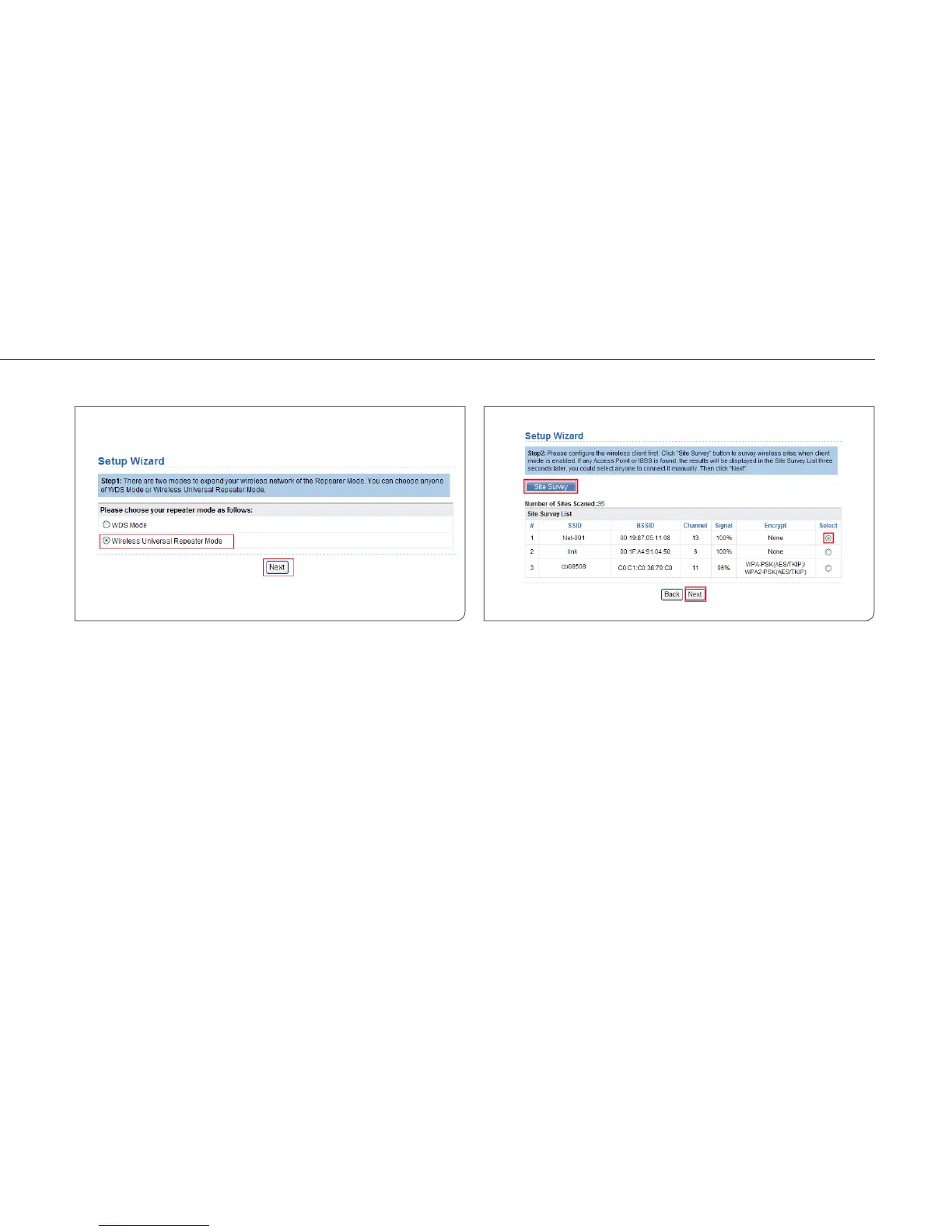
Step 2 Click Setup Wizard in the navigation bar on the left pane of
the page. Select Wireless Universal Repeater Mode and click
Next.
Step 3 Click Site Survey to search for the wireless network you
want to connect. Select a desired network. Click Next.



 To Next Page