68
English/ Chapter 09
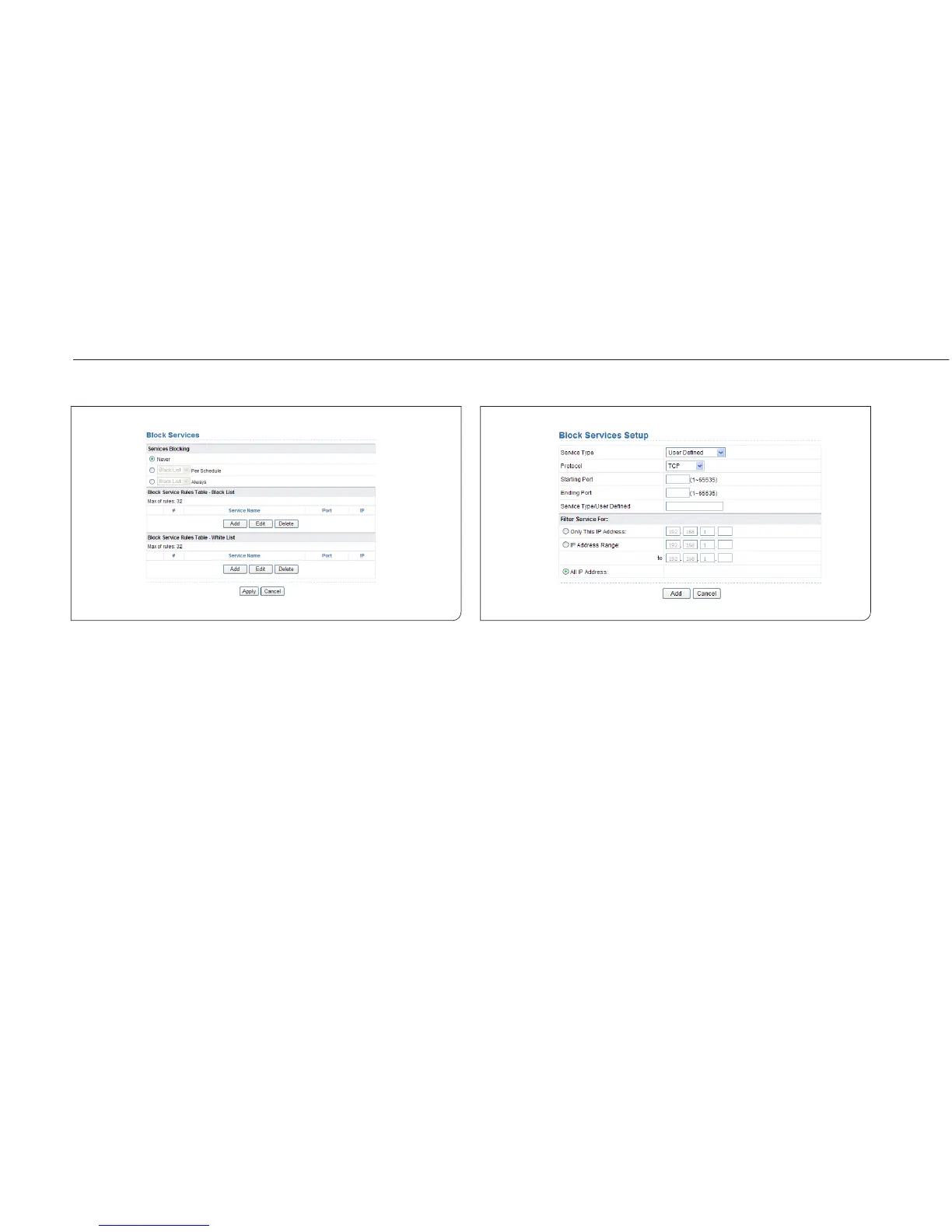
9.5.2 Block Services
ISY Wireless Range Extender allows you to block the use of certain
Internet services by computers on your network.
Choose Security Options > Block Services and the Block Services page is
displayed.
To specify a service for blocking:
Step 1 Select Per Schedule or Always to enable keyword blocking. To
block by schedule, be sure to specify a time period in the
Schedule page. For more information about scheduling, refer
to section 8.8.3 “Schedules”.
– Black List: Indicates to prevent service that complies with the rule in
the Block Service Rules Table-Black List area from being used.
– White List: Indicates to allow only service that complies with the rule
in the Block Service Rules Table-White List area to be available for
use.
Step 2 Click Add to specify a service for blocking. The Block Services
Setup page is displayed:



 To Next Page