58
English/ Chapter 09
9.4 Network Application
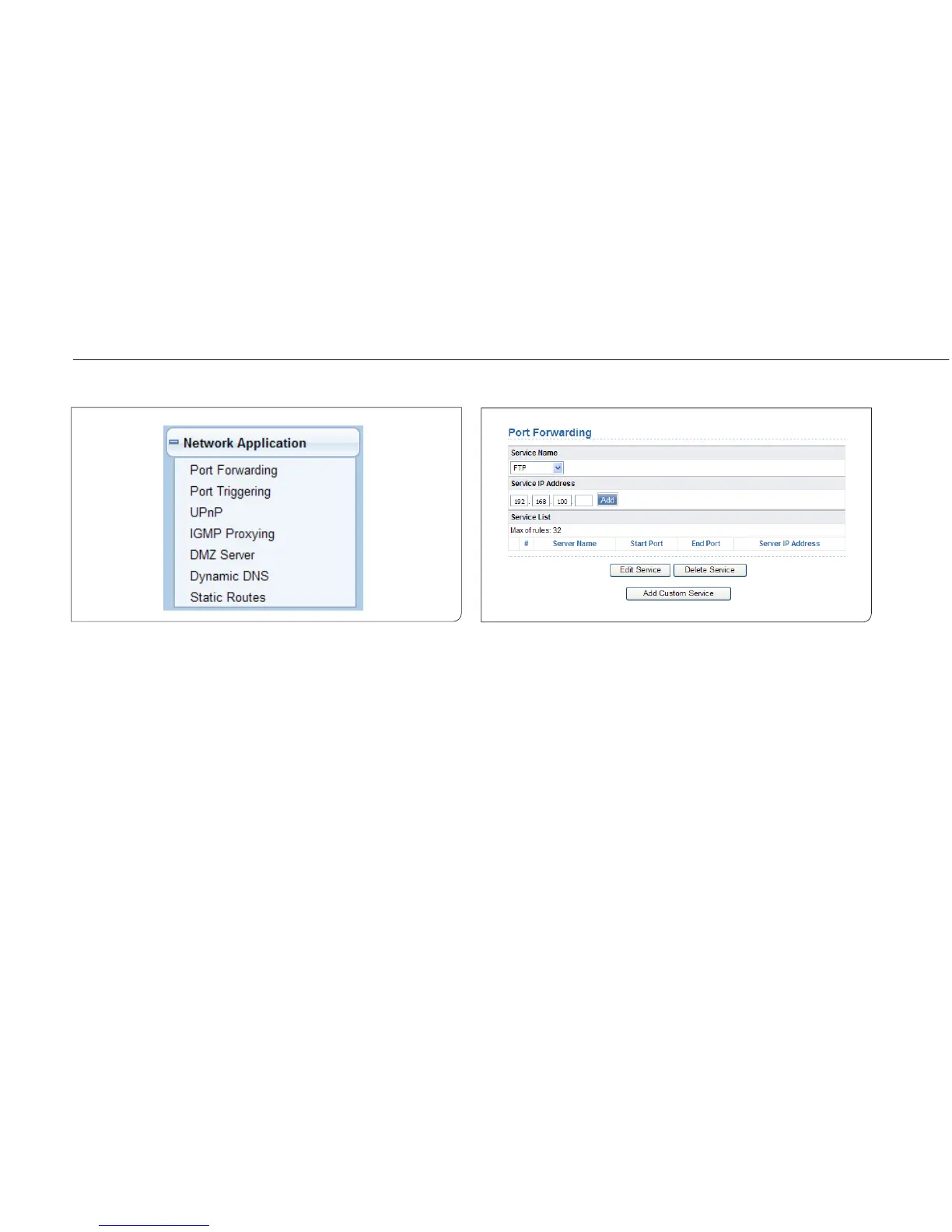
Click Network Application and the extended navigation menu is shown
as follows:
Click a submenu to perform specific parameter configurations.
9.4.1 Port Forwarding
By default, the firewall function of the router hides your LAN. As a result,
other users on the Internet can detect only the router, but cannot access
a certain PC in the LAN directly. If you want to access a PC in an LAN, you
need to configure port forwarding for the router and map the desired port
to the corresponding PC in the LAN. The router forwards packets to the
PC according to the port mapping rule after receiving an access request
from the Internet. In this way, communic tion is successfully established
between the Internet and the PC in the LAN.
Choose Network Application > Port Forwarding and the Port Forwarding
page is displayed.



 To Next Page