59
English/ Chapter 09
Service Name: Select a service type.
Service IP Address: Enter the IP address of the computer that provides
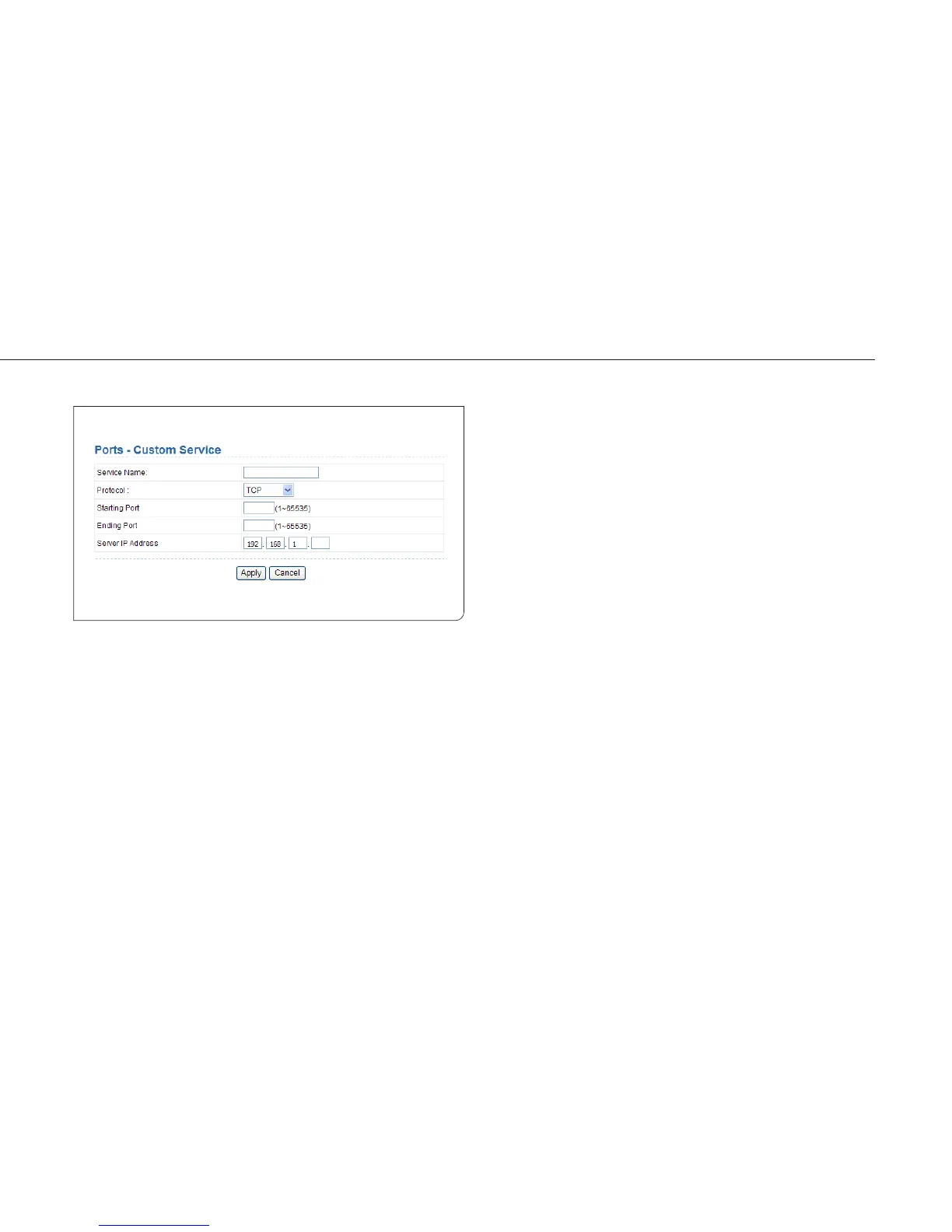
services. Click the Add Custom Service button and the Ports - Custom
Service page is displayed:
Service Name: Select a service type.
Protocol: The protocol used at the mapping port. You can select TCP/
UDP, TCP, or UDP. It is recommended to use TCP/UDP if you do not know
which protocol should be used.
Starting Port: After the connection to the mapping port is established,
the corresponding port is open and the application can initiate subs quent
connection requests to the open port.
Ending Port: Set the end port of the mapping port range.
Service IP Address: Enter the IP address of the computer that provides-
services.
After finishing settings, click Apply to save the settings.



 To Next Page