81
English/ Chapter 10
10.4.2 Using the Web Page
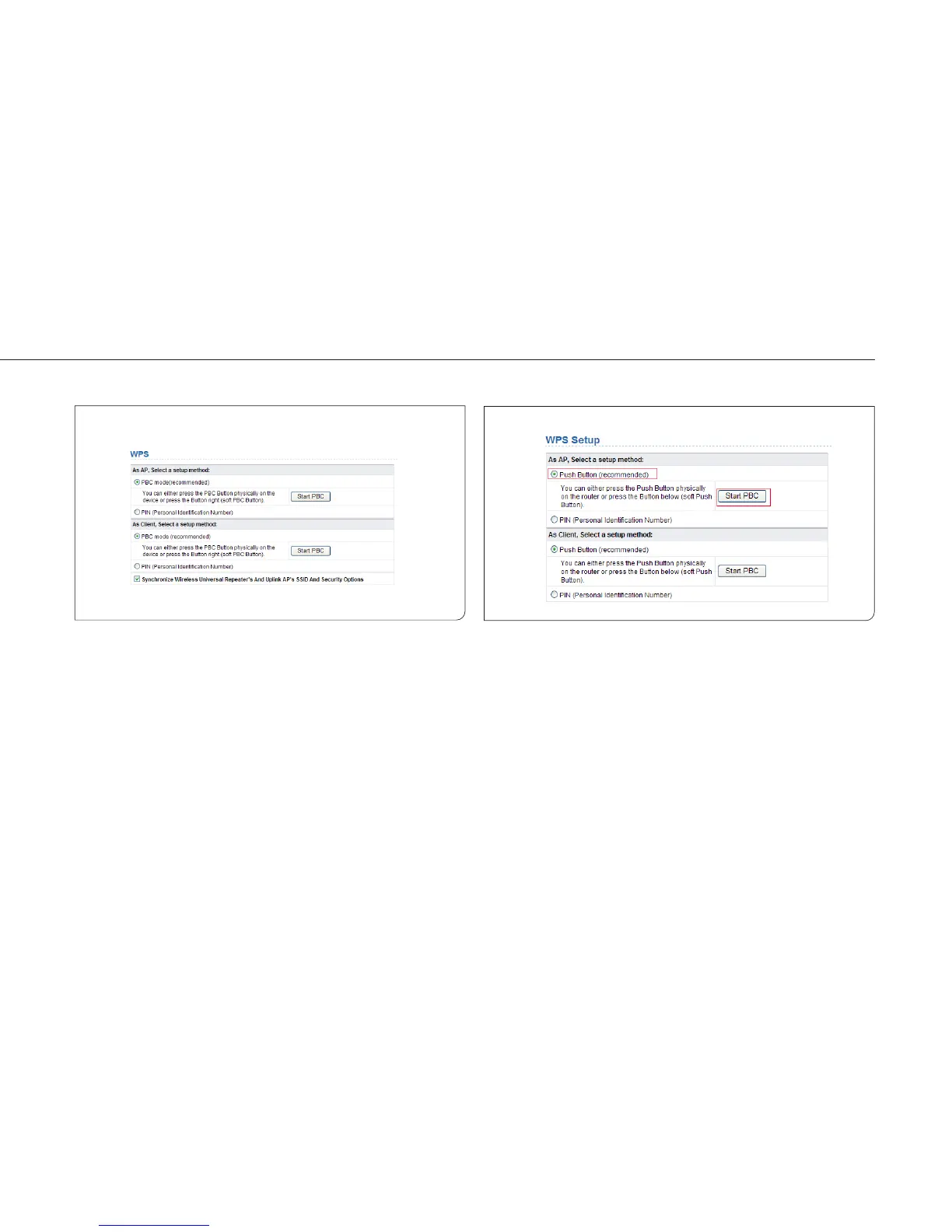
You can perform WPS settings using the Web page for configuration.
Choose Wireless Settings > WPS Setup to display the WPS Setup page.
As an AP
You can perform WPS settings using the Web page for configuration.
Choose Wireless Settings > WPS Setup to display the WPS page.
PBC mode
Step 1 Select Push Button and click Start PBC. WPS encrypted
connection starts.



 To Next Page