44
English/ Chapter 07
7.6 Management Function
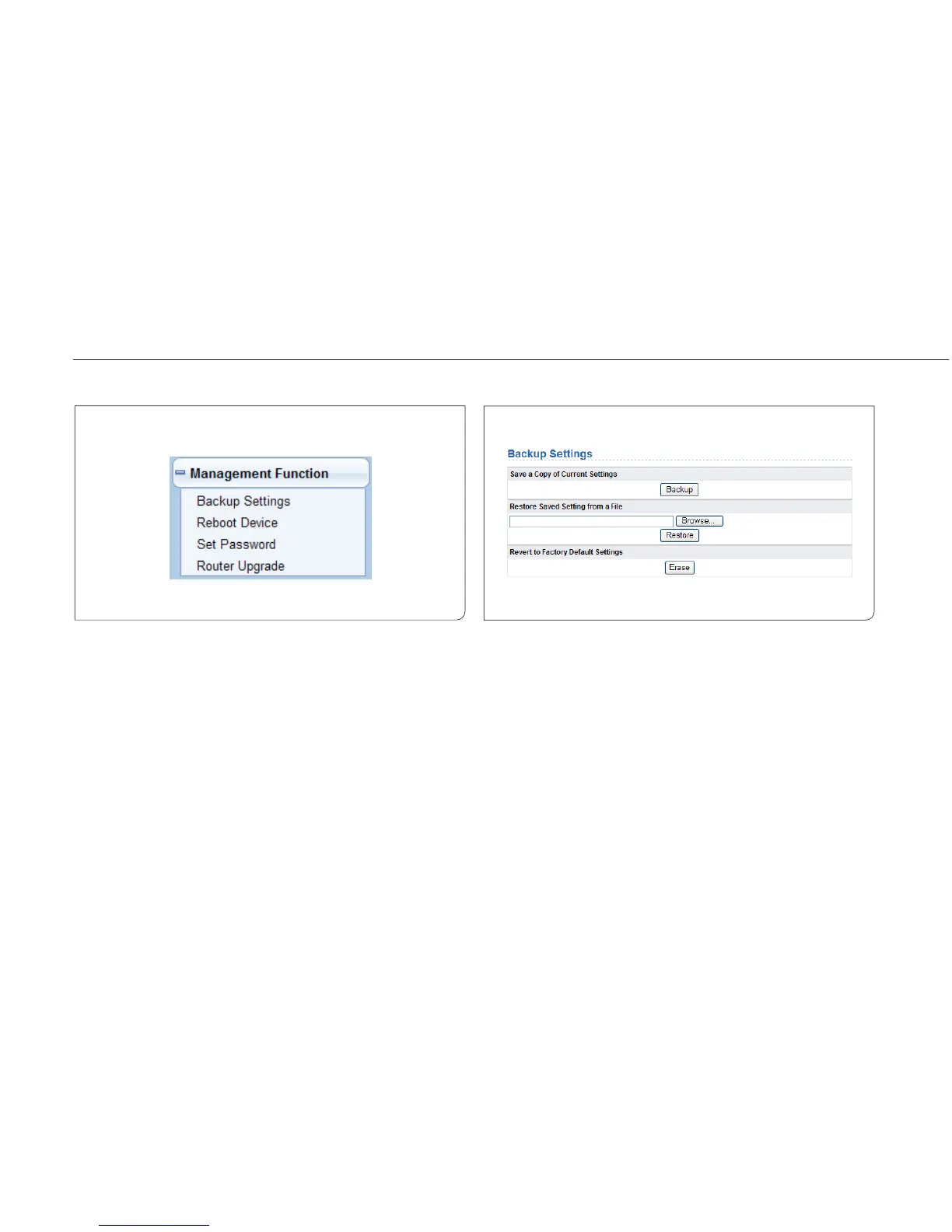
Click Management Function and the extended navigation menu is shown
as follows.
Click a submenu to perform specific parameter configurations.
7.6.1 Backup Settings
Choose Management Function > Backup Settings and the Backup
Settings page is displayed.
In this page, you can export configuration information of the router to
the computer in the form of XML for later use, import a previously saved
or a new configuration file, and restore the factory default settings of
the router.
Backup
Click Backup and save configuration information of the router as a local
file.



 To Next Page