88
English/ Chapter 11
11.2 Setup Wizard
For settings, refer to section 6.4 “WDS Mode Configuration”.
11.3 Mode Setting
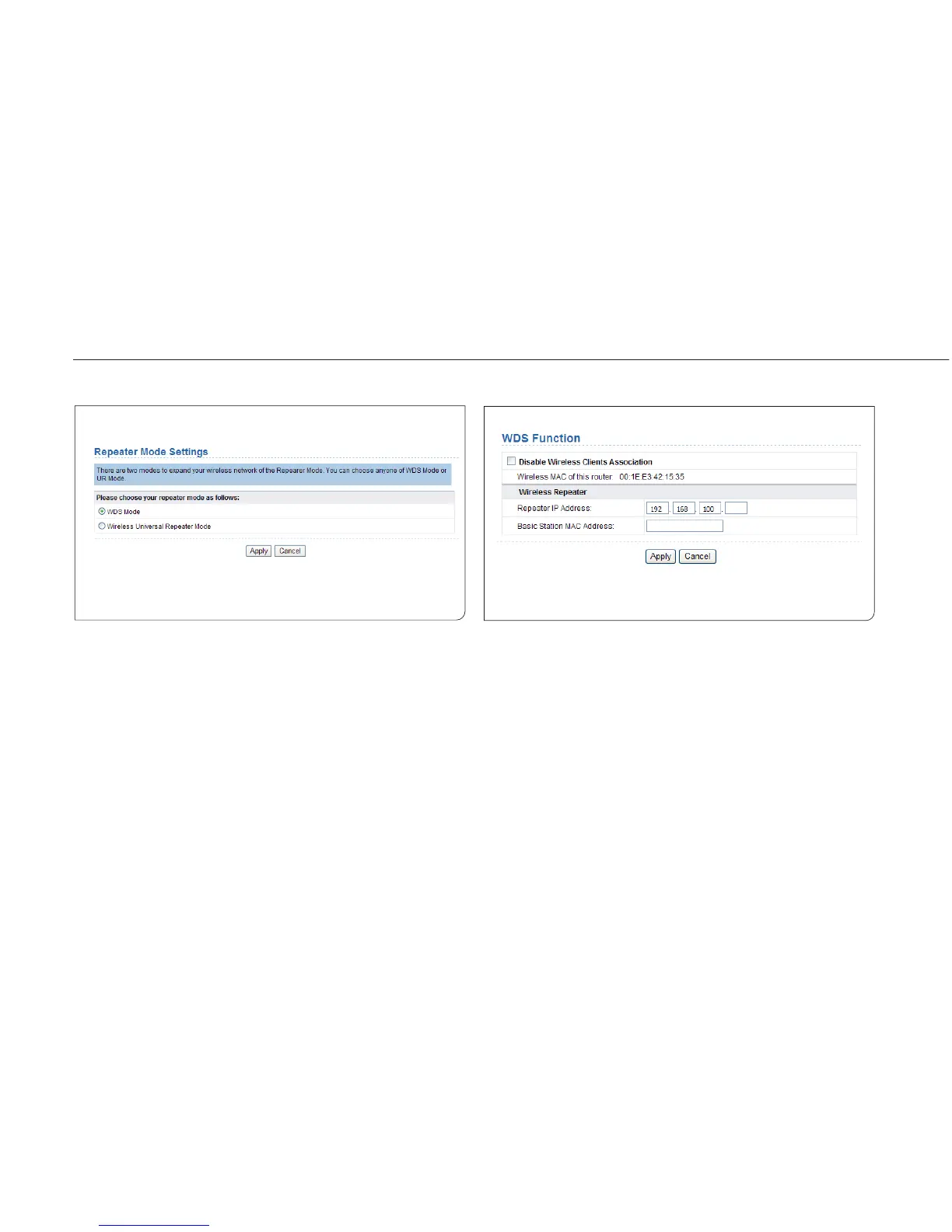
Click Mode Settings and the Mode Settings page is displayed.
Select WDS Mode. Note that WDS function cannot be used if the channel
is set to Auto.
Disable Wireless Clients Association: If selected, the repeater does
not transmit any signals to clients that are connected to it. Generally,
clear this check box. Generally, select this check box.
Security Options: Set the security encryption mode for the repeater. It
is recommended to configure the repeater with the same encryption
mode as that of its uplink AP. After finishing settings, click Apply to save
the settings.



 To Next Page