66
English/ Chapter 09
9.5 Security Options
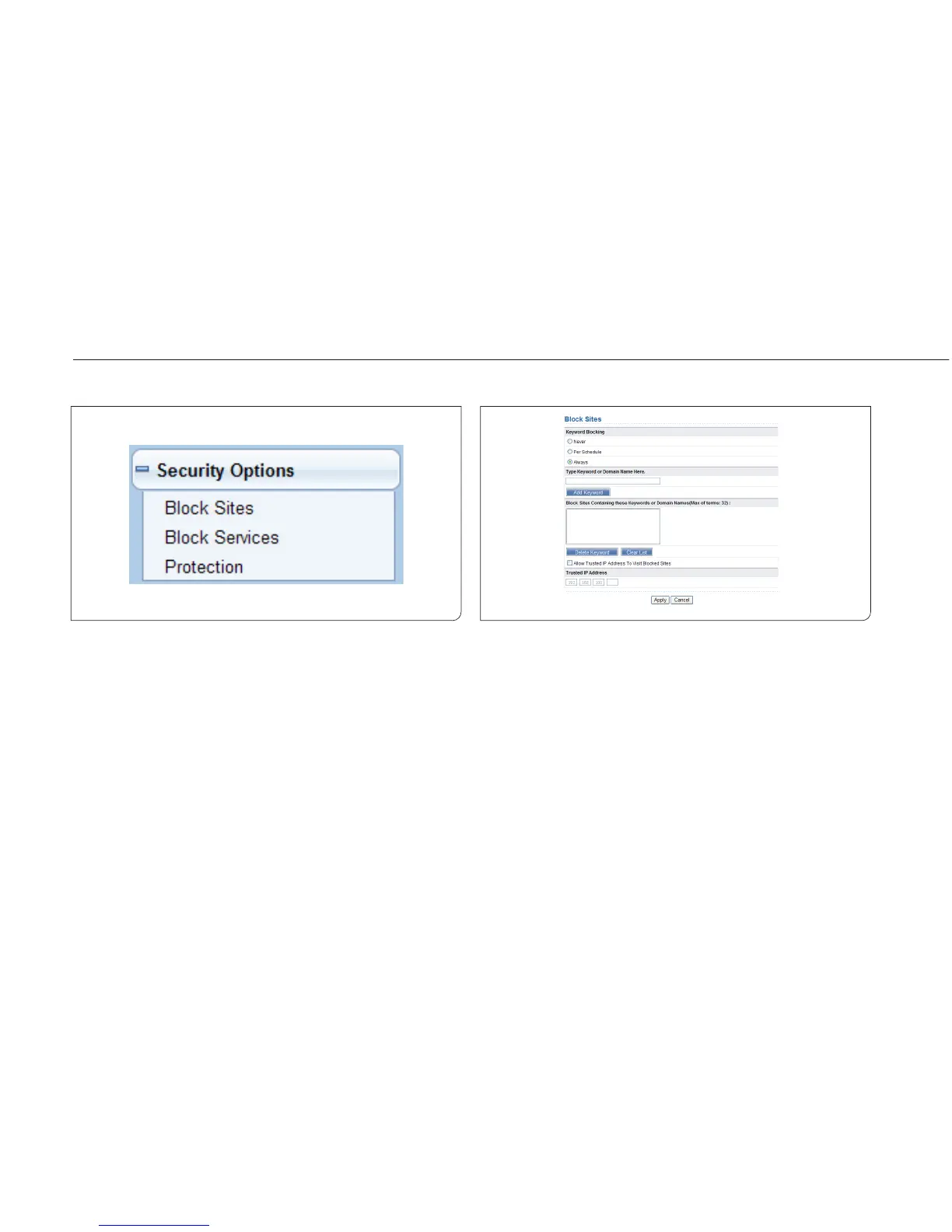
Click Security Options and the extended navigation menu is shown as
follows:
Click a submenu to perform specific parameter configurations.
9.5.1 Block Sites
ISY Wireless Range Extender allows you to restrict access based on WEB
addresses and WEB address keywords. When a user tries accessing a
restricted website, a message is displayed, indicating that the firewall
restricts access to the website.
Choose Security Options > Block Sites and the Block Sites page is dis-
played.



 To Next Page