23
English/ Chapter 06
6.4.3 WDS Application
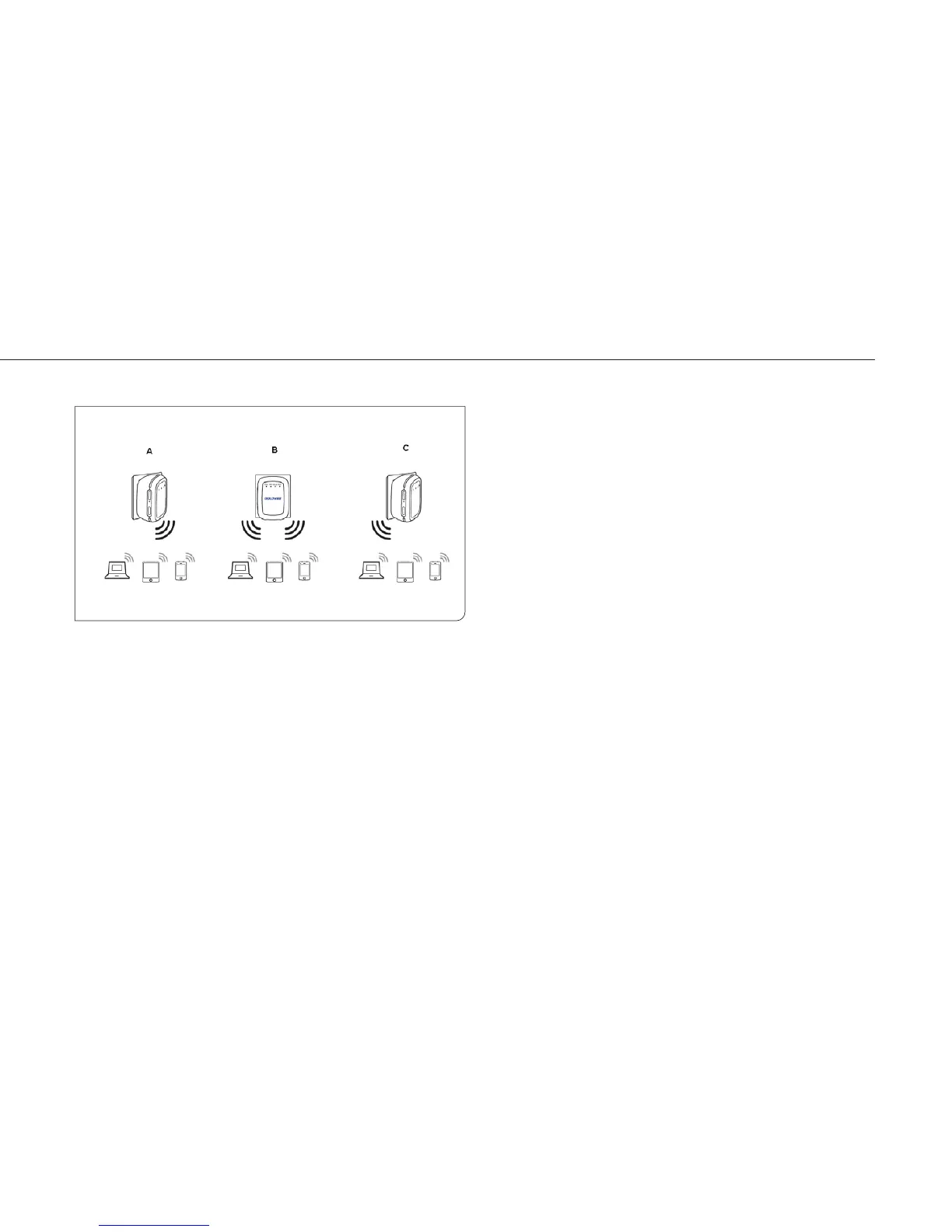
The following figure shows a wireless network for Humans Resource
Department (marked as A in the figure), Finance Department (marked as
B), and Marketing Department (marked as C) in an enterprise. If the three
departments share one wireless router, signals searched by computers
may be rather weak or even no signals are available. However, if each of
the three departments uses a wireless router, we can use WDS to
connect the three routers to provide perfect wireless coverage for the
whole areas.
Configure the three routers in this way.
Configure the three routers in this way: Wireless router B functions as
the wireless basic station; wireless routers A and C connect to wireless
router B by using WDS.
(1) Configuring wireless router B as the wireless basic station
Step 1 Log in to the Web management page of wireless router B.
ChooseWireless Settings > Wireless Basic Settings and set
the SSID, channel, and wireless encryption information. Write
down the SSID, channel, and wireless encryption information
that are required when you are configuring wirelss router A
and C.
Step 2 Choose Wireless Settings > WDS Function and enable the
WDS function. Enter MAC addresses of repeaters (that is,
wireless routers A and C in this example). Click Apply to save
the settings.



 To Next Page