28
English/ Chapter 07
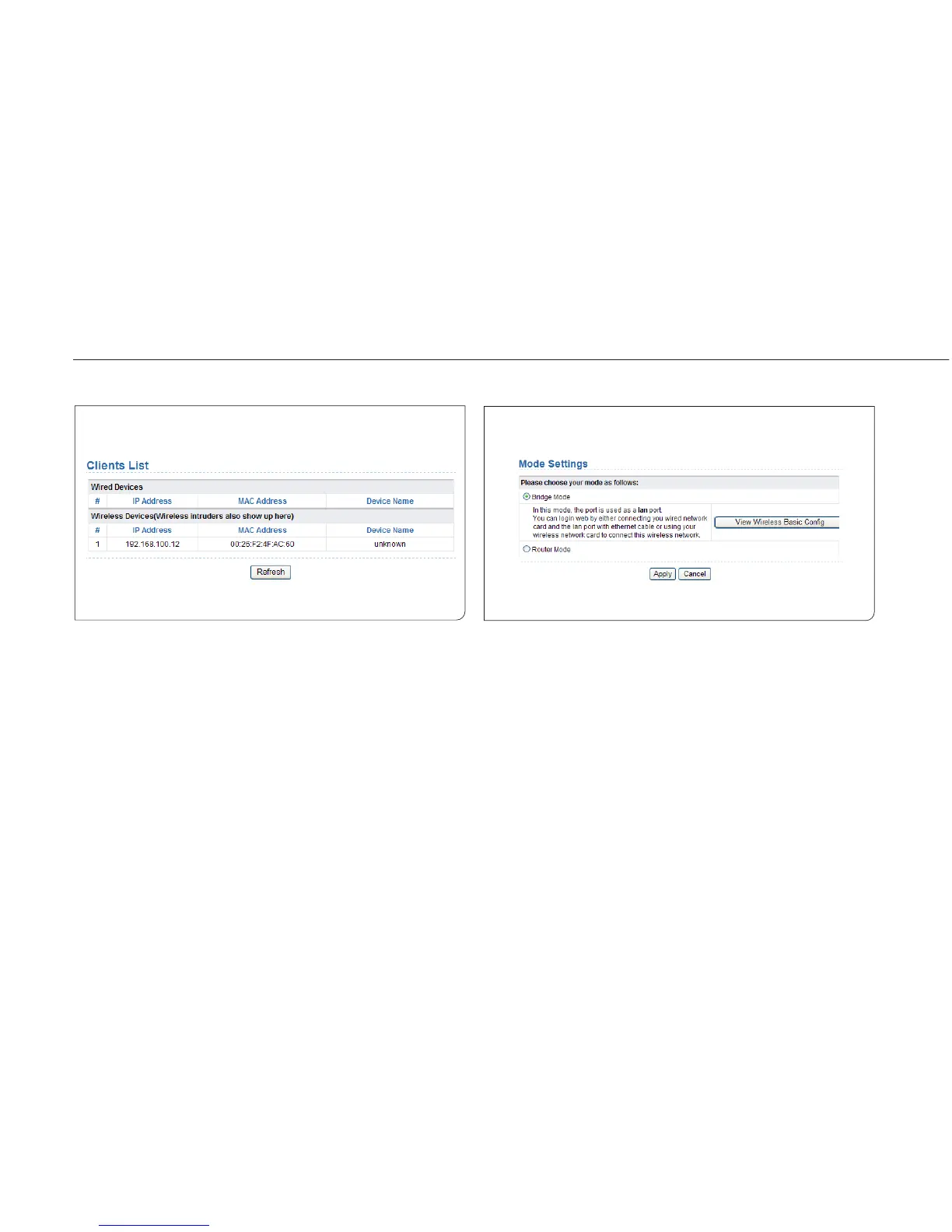
7.1.2 Clients List
Choose Running Status > Clients List and the Clients List page is
displayed.
This page displays information of computers connected to the router,
including the IP adress, and MAC address of each computer.
7.2 Setup Wizard
For settings, refer to section 6.1 “Bridge Mode Configuration”.
7.3 Mode Setting
Click Mode Settings and the Mode Settings page is displayed.
Bridge Mode: The interface on its case is an LAN interface. Users can
connect ISY Wireless Range Extender and the PC using an RJ45 cable or
a wireless network card.
Router Mode: Computers can connect to ISY Wireless Range Extender
in a wireless way only.



 To Next Page