92
English/ Chapter 12
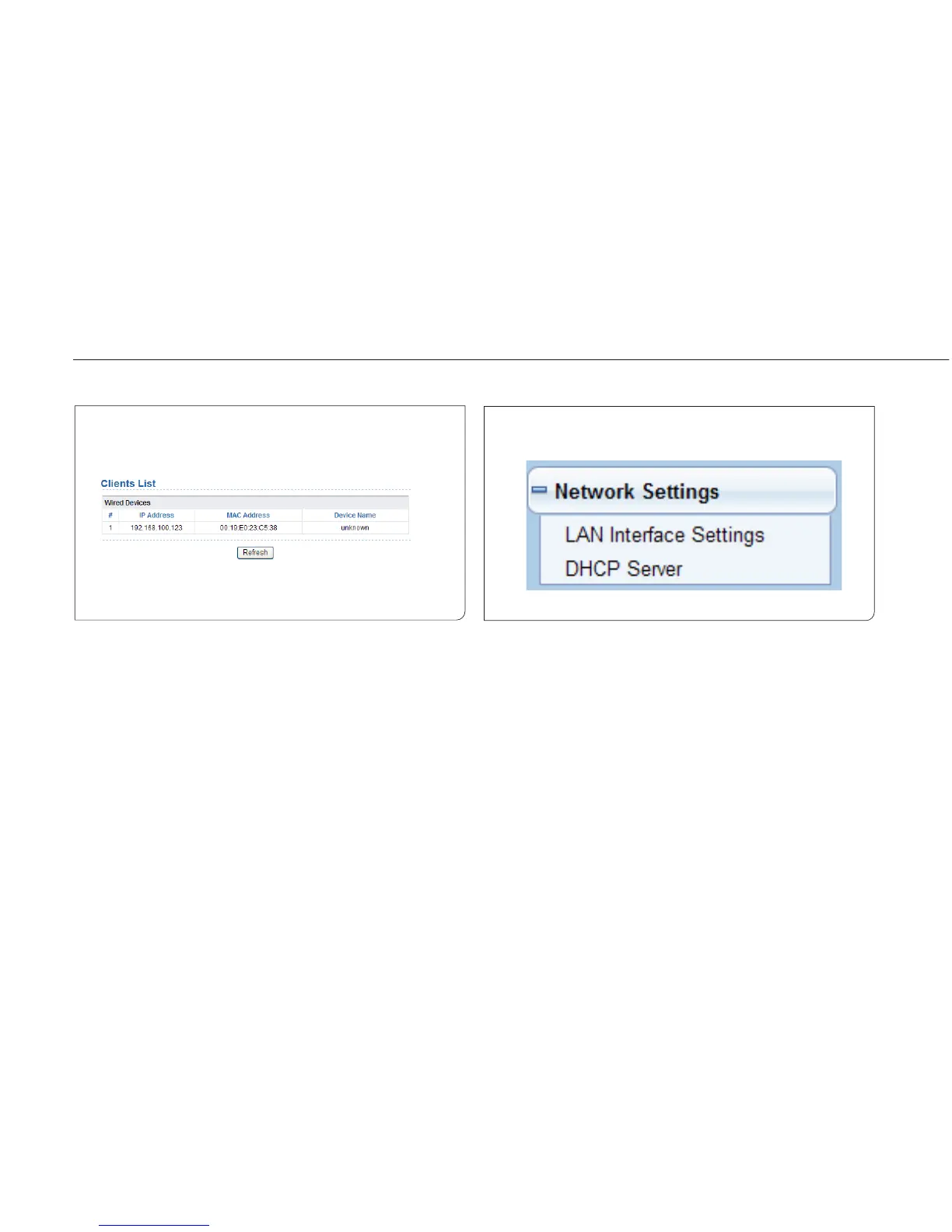
12.1.1 Clients List.
Choose Running Status > Clients List and the Clients List page is
displayed.
This page displays information of wireless devices connected to ISY
Wireless Range Extender including the IP adress and MAC address of
each device.
12.2 Setup Wizard
For settings, refer to section 6.5 “Client Mode Configuration”.
12.3 Network Settings
Click Wired Network Settings and the extended navigation menu is
shown asfollows:
Click a submenu to perform specific parameter configurations.



 To Next Page