22
English/ Chapter 06
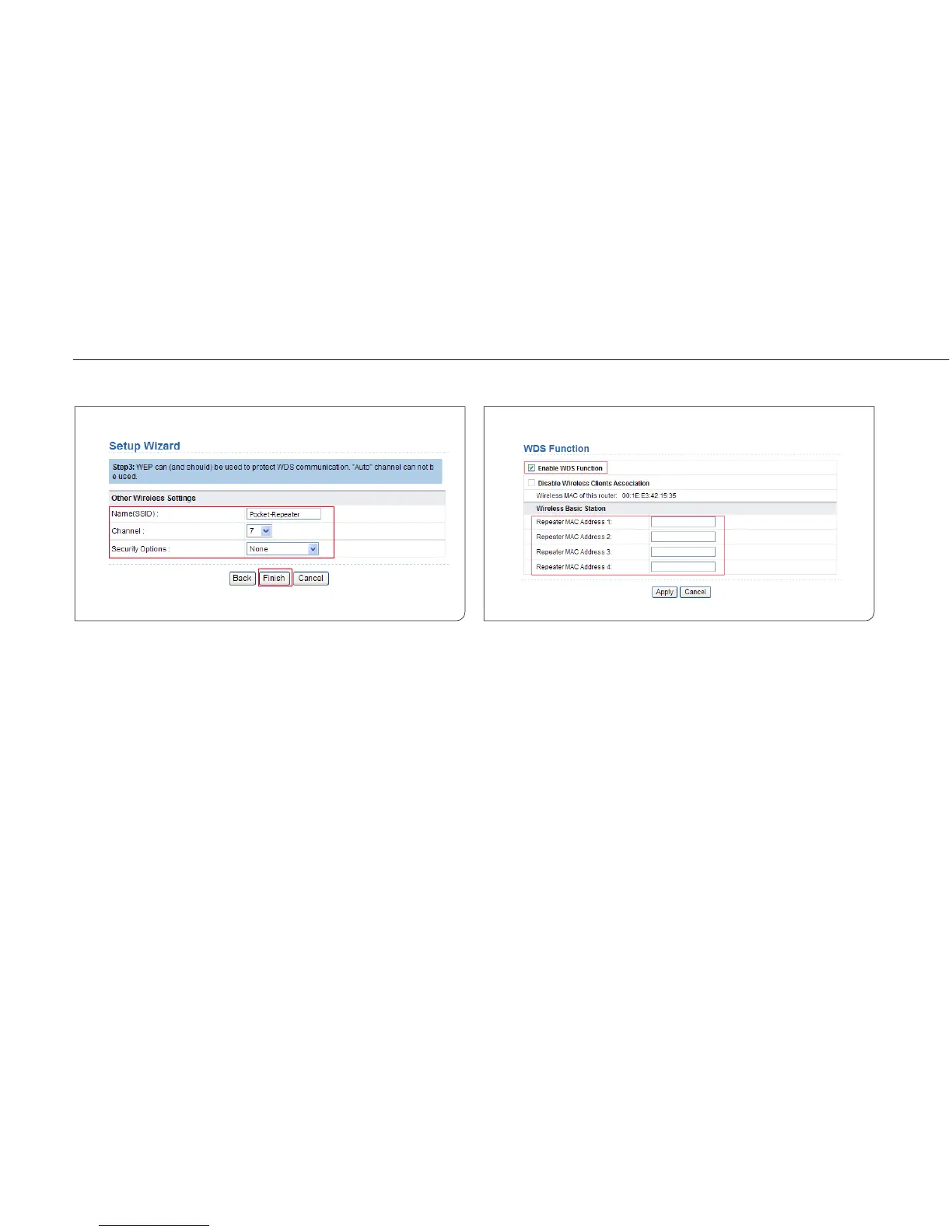
Step 4 Set the SSID, channel, and security encryption for the
repeater. The channel cannot be set to Auto. It is recommen-
ded to configure the repeater with the same security option
as its base station. Set the encryption password and note it
down. Click Finish to complete the settings.
6.4.2 Central Base Station Configuration in the
WDS Mode
Step 1 Set ISY Wireless Range Extender to the Router mode.
Step 2 Choose Wireless Settings > WDS Function, select Enable
WDS Function, and enter the MAC address of the Repeater
(Note: One basic station can connect to a maximum of 4
repeaters).



 To Next Page