25
English/ Chapter 06
6.5 Client Mode Configuration
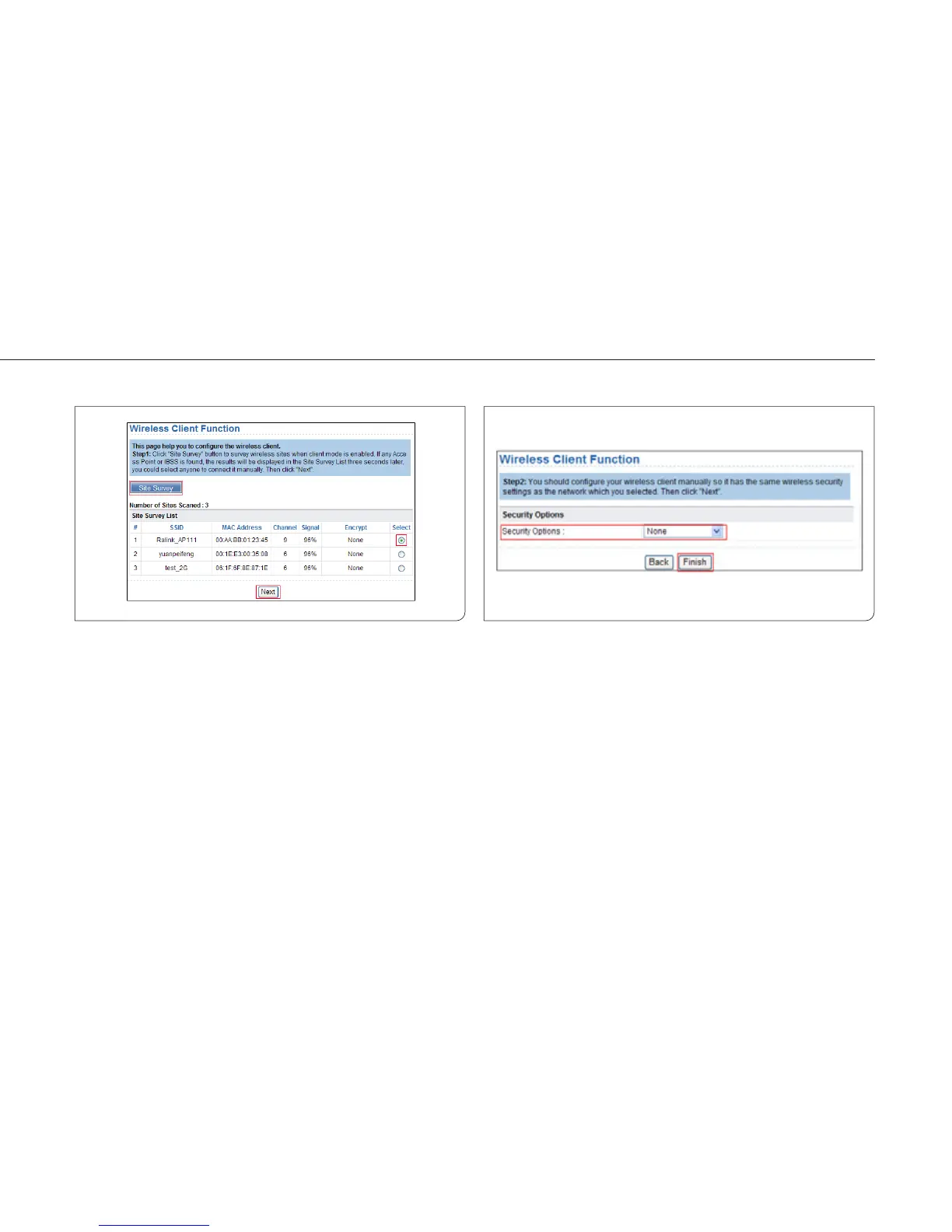
Step 1 Click Setup Wizard in the navigation bar on the left pane of
the page. Click Site Survey to search for the wireless
network you want to connect.
Step 2 Enter encryption information of the selected wireless
network. Click Finish to complete the settings.



 To Next Page