70
English/ Chapter 09
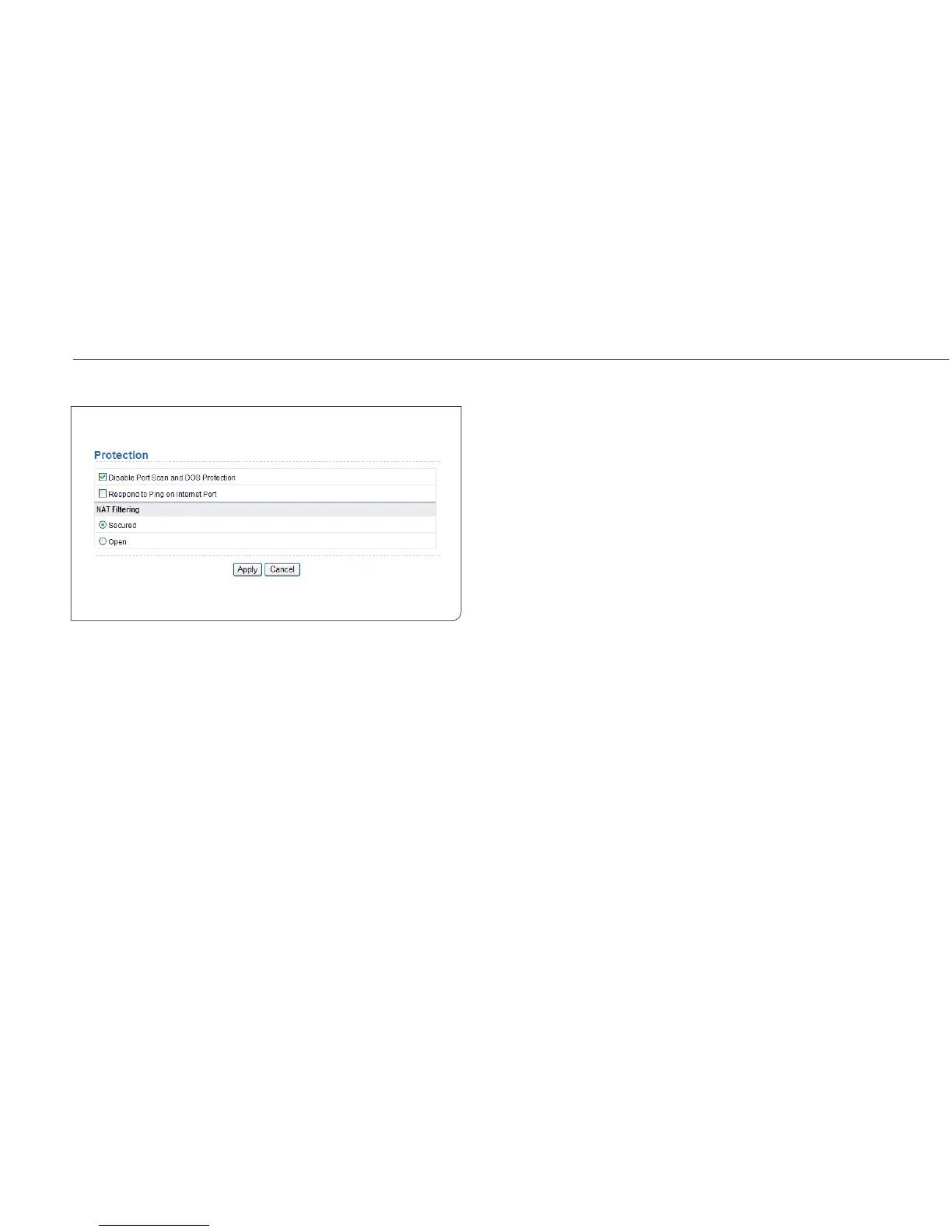
9.5.3 Protection
Choose Security Options > Protection and the Protection page is
displayed.
Disable port scan and DoS protection: Denial of service (DoS) protec-
tion protects your LAN against DOS attacks. Generally, please enable the
port scanning and DOS protection function.
Respond to Ping on Internet Port: If enabled, the router responds to
ping commands from the Internet. However, like the DMZ server, enab-
ling this function can bring about security risks. Generally, please disable
this function.
NAT Filtering: NAT filtering determines the way that the router deals
with incoming trac.
Secured: This option provides a secured firewall to protect PCs on LAN
from attacks from the Internet, but it may not allow some Internet
games, point-to-point applications, or multimedia applications to
work.
Open: This option provides a less secure firewall that allows almost all
Internet applications to work. After finishing the settings, click Apply
to apply the settings.



 To Next Page