76
English/ Chapter 09
9.6.7 Router Upgrade
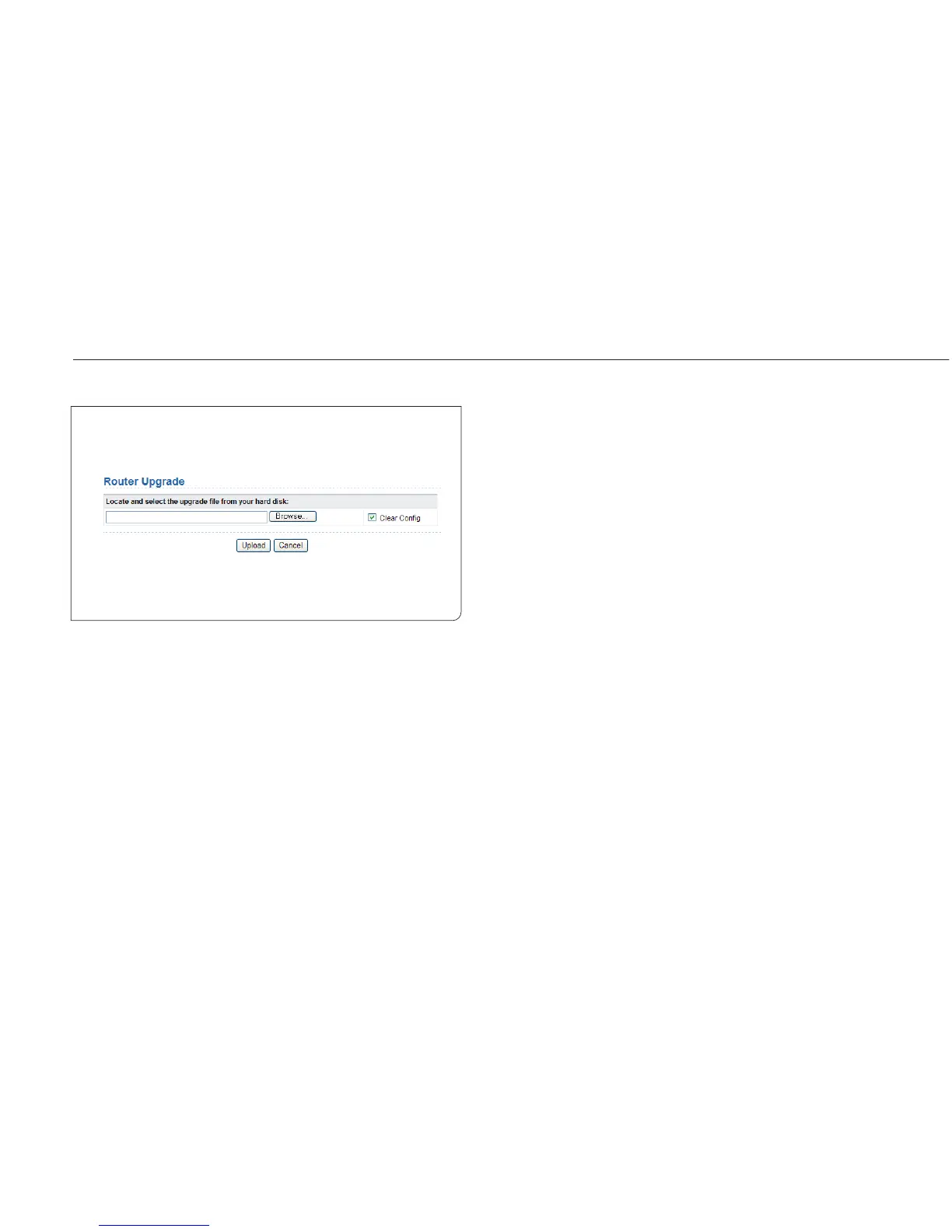
Choose Management Function > Router Upgrade and the Router
Upgrade page is displayed.
Upgrade the software of the router in the following steps:
Step 1 Click Browse… to navigate to the latest software.
Step 2 Select the correct upgrade file. If you select Clear Config, the
router restores to the default settings after upgrade. If you
do not select it, the current settings remain.
Step 3 Click Upload to start upgrade.
After the upgrade is completed, the router automatically reboots.
Note: After the software upgrade, ISY Wireless Range Extender returns
to the factory default settings. In case of losing the previous configurati-
on information, please save settings before updating the software.
Do not power o the router during the upgrade.



 To Next Page