86
English/ Chapter 10
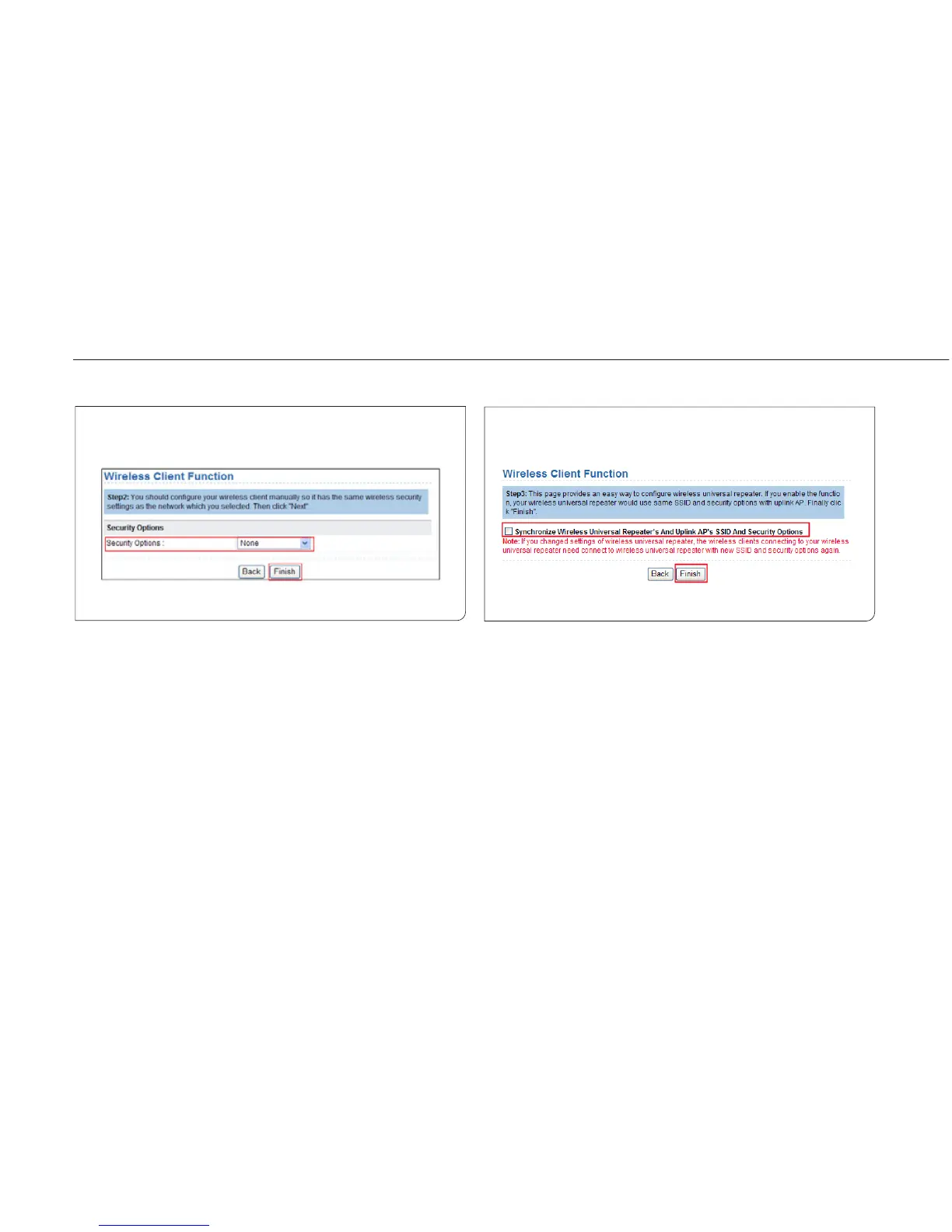
Step 2 Enter encryption information of the selected wireless
network. Configure the client with the same security
settings as the selected network. Click Next.
Step 3 ISY Wireless Range Extender provides the wireless roaming
function if you select Synchronize Wireless Universal
Repeater‘s And Uplink AP‘s SSID And Security Options. Click
Finish. Then, the client can communicate with the selected
network.



 To Next Page